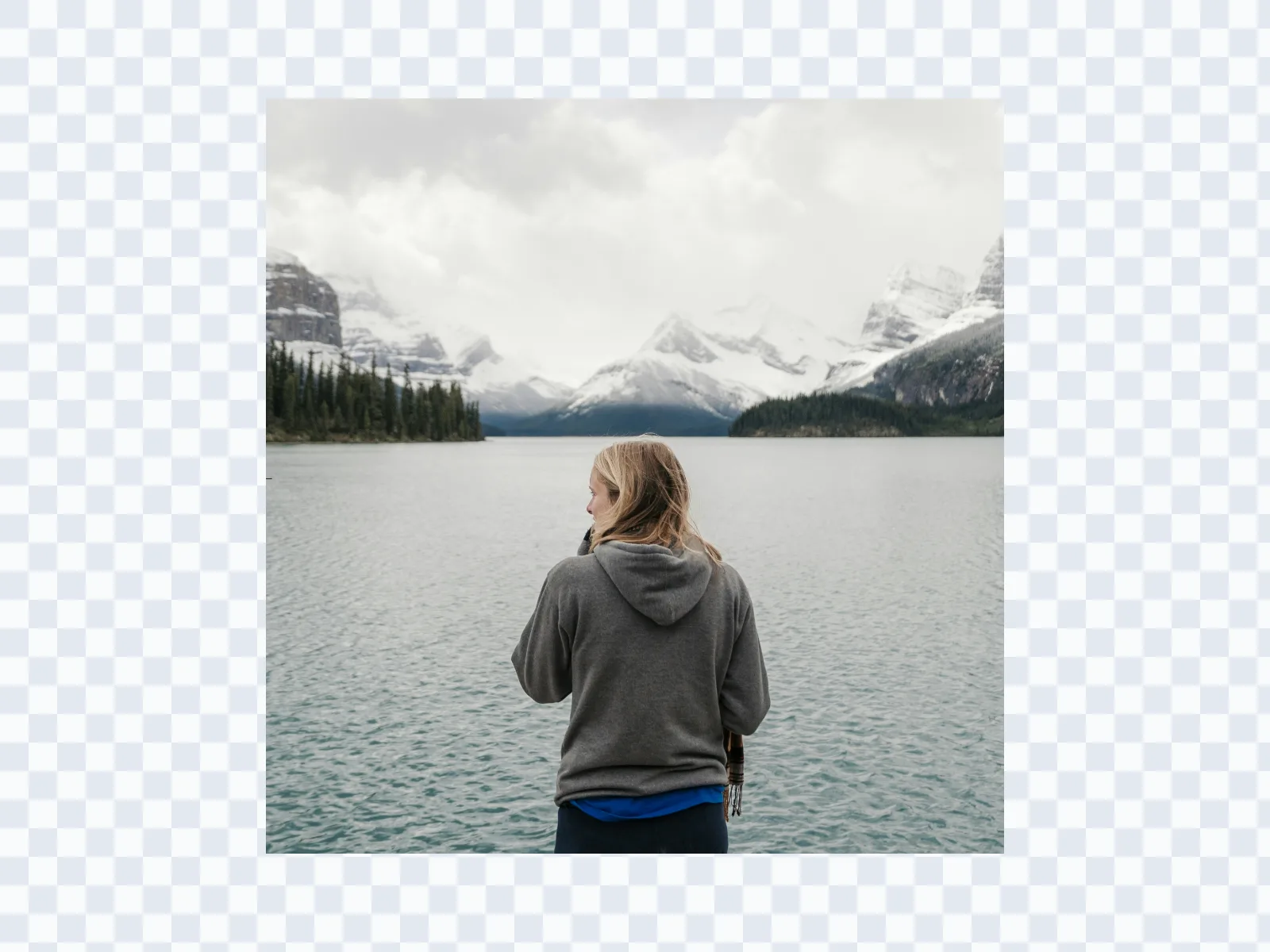
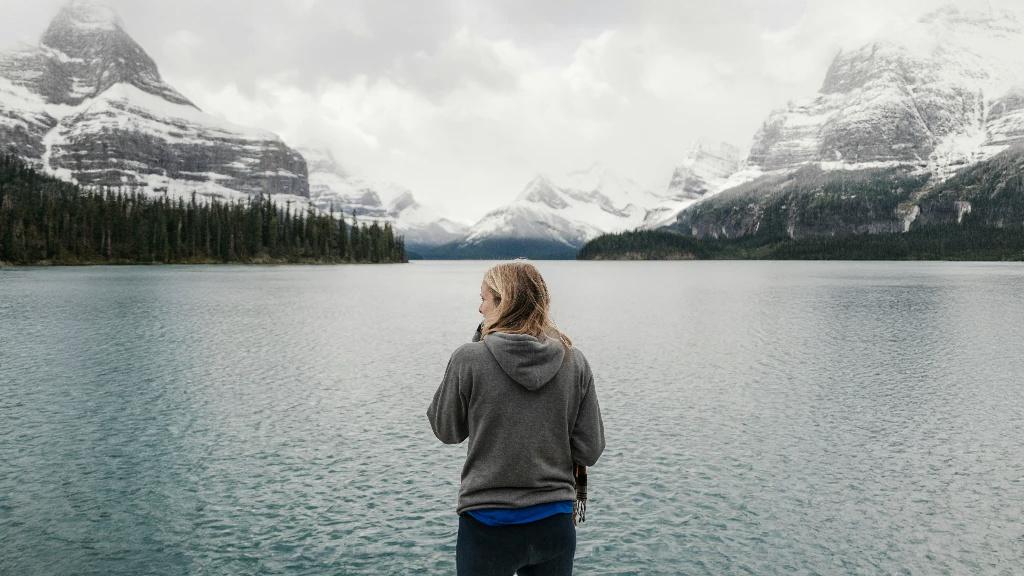
AI Image Expand - Upload, Expand, Download

A simple AI image expander that helps you extend photos fast - no complicated steps. Try it with free credits, and unlock advanced features for larger expansions and better consistency.

Before
After
Before
After

Upload your image to expand

Supported formats:JPGPNGWEBP
No image? Try these:

AI Expand Image

How to use AI Expand Image in four quick steps

Follow the same interactions you see in the editor: upload, set the frame, generate, and compare before you download.

01

Upload a photo

Start AI Expand Image by uploading a JPG, PNG, or WebP. The preview loads instantly so you can see the canvas.

02

Choose ratio and frame your subject

Pick Original or Custom ratio, then drag the photo to place the subject where you want AI Expand Image to fill the empty space.

03

Generate the expansion

Click Generate to let AI Expand Image extend the background while preserving the original subject and style.

04

Compare and download

Press Compare to check before/after, then download your AI Expand Image result in one click.

AI Expand Image that keeps your subject intact

imgexpand.com helps you extend photos with AI Expand Image in seconds. Use free daily expands on the standard model, then upgrade to Expand Pro for larger canvases and higher consistency with subscriptions or credit packs.

AI Expand Image

What is AI Expand Image?

AI Expand Image uses intelligent outpainting to generate new pixels that match the original photo's lighting, perspective, and textures. It analyzes the scene, extends the background seamlessly, and keeps the main subject unchanged. The result looks natural, with no obvious seams, distortions, or blurry edges.
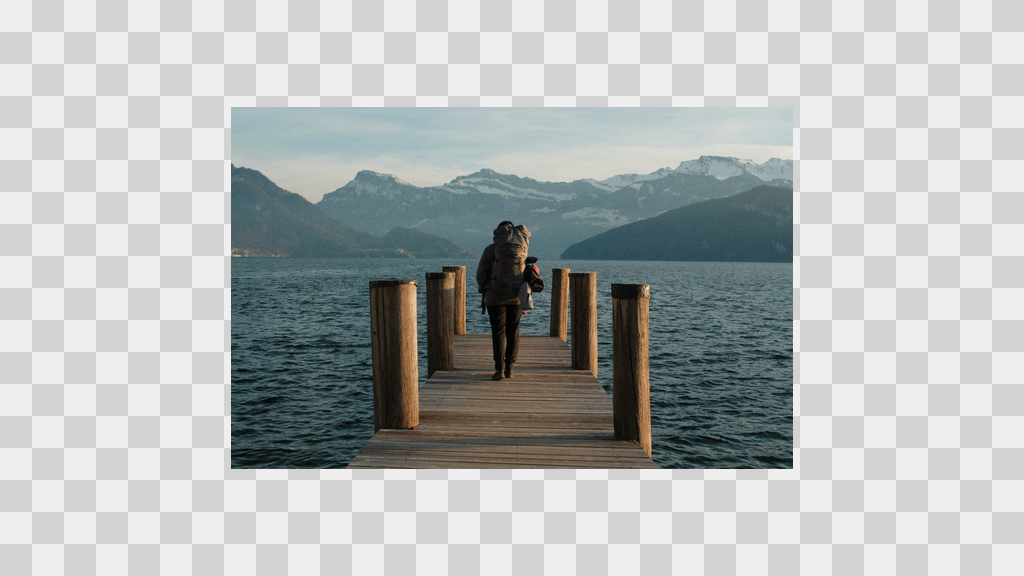
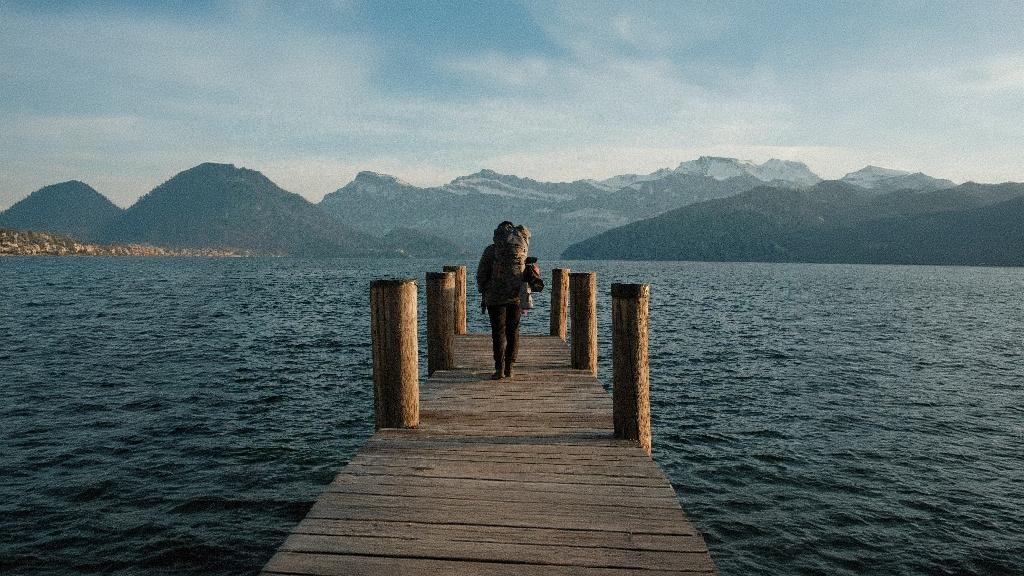
Original lakeside photo before AI image expansion
Expanded lakeside photo after AI image expansion

AI Expand Image

Increase photo size with flexible ratios

Expand images to common aspect ratios like 1:1, 3:4, 4:5, 9:16, and 16:9 in seconds. This makes it easy to create content for Instagram, YouTube, Facebook, and product listings without manual cropping. You can also choose custom ratios to fit any layout or design.
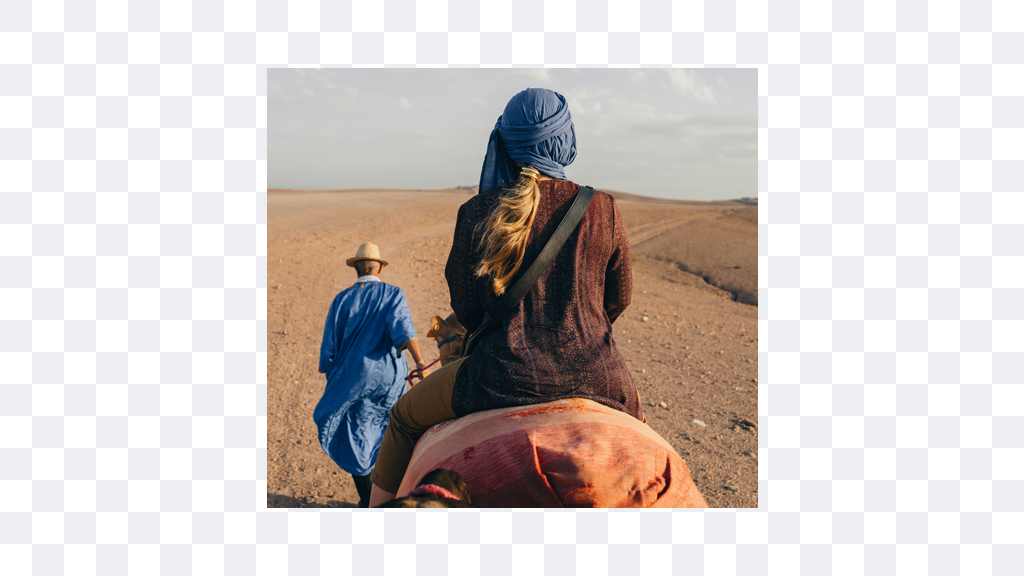
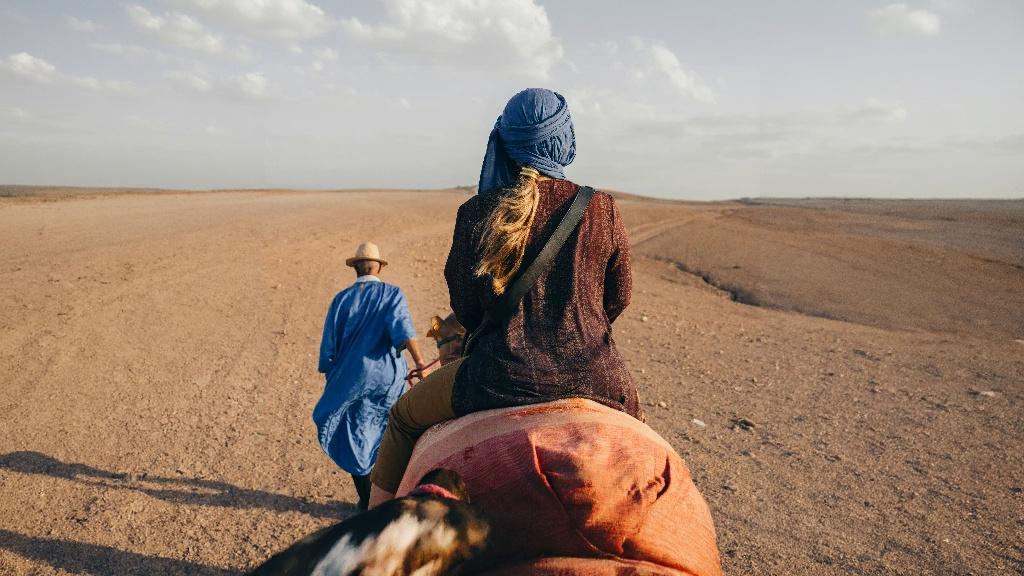
Original rider in the desert before AI image expansion
Expanded rider in the desert after AI image expansion

AI Expand Image

Standard expand vs. Expand Pro

Use the standard Expand model for free daily credits and quick background extensions. When you need higher consistency, larger canvas growth, or cleaner edge continuity, switch to Expand Pro and pay by subscription or credit packs. Both options are designed to keep your subject sharp and your output ready to share.
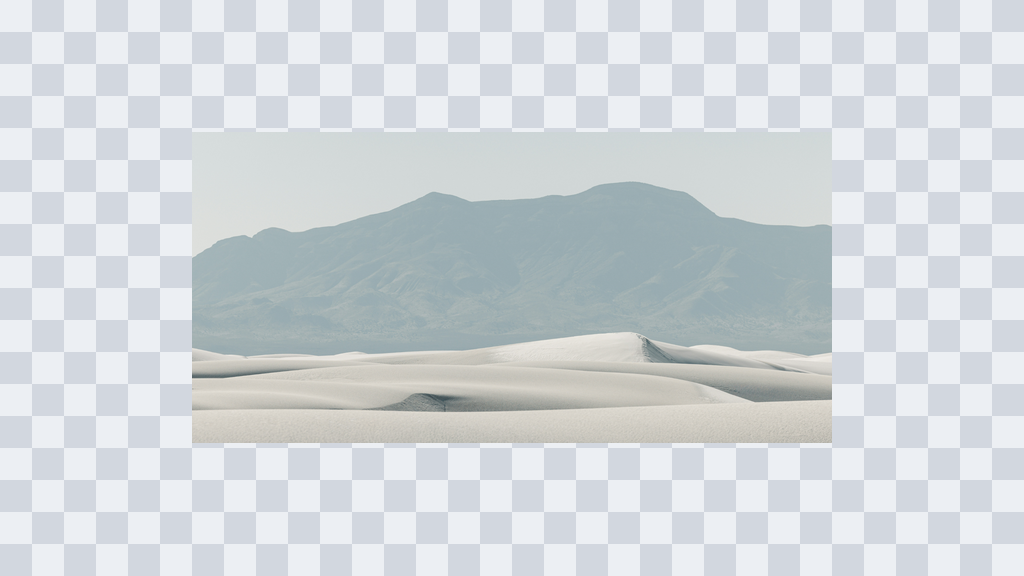
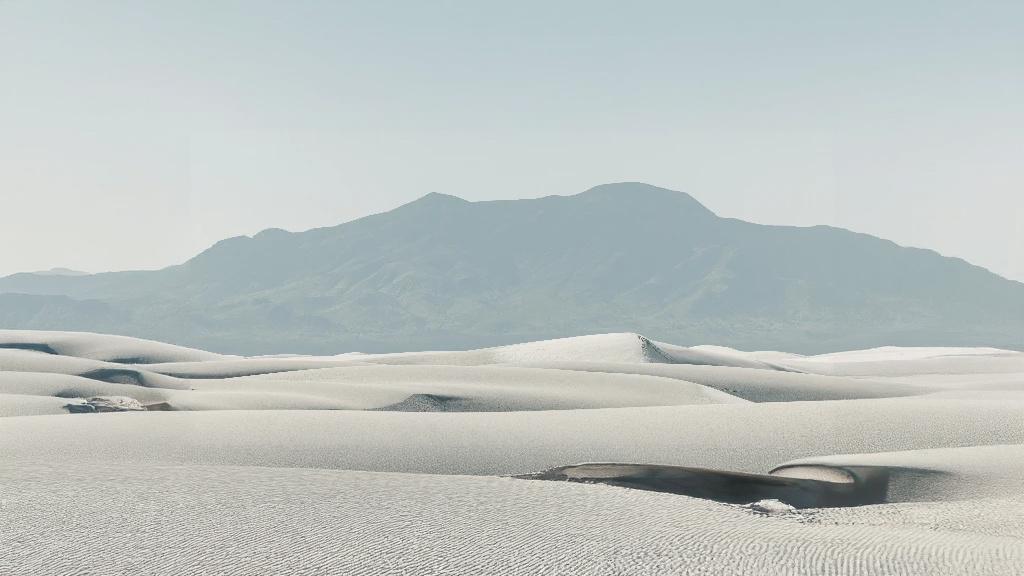
Original desert dunes before AI image expansion
Expanded desert dunes after AI image expansion

AI Expand Image

Fine-tune the result before you generate

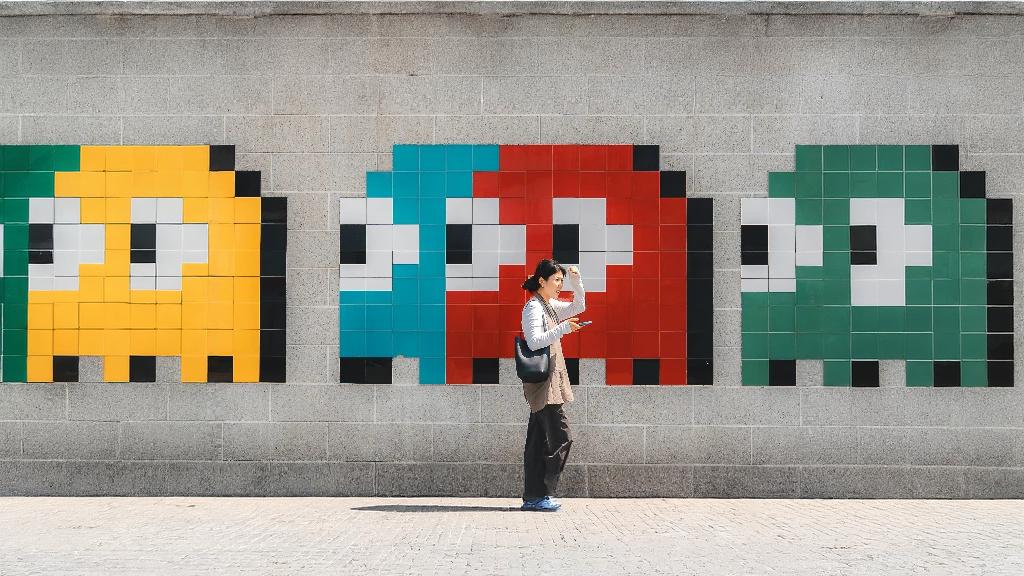
Pick the original ratio or set a custom canvas size, then reposition your subject with a simple drag. The preview updates instantly so you can see exactly how the expanded area will fill in - no manual editing required.
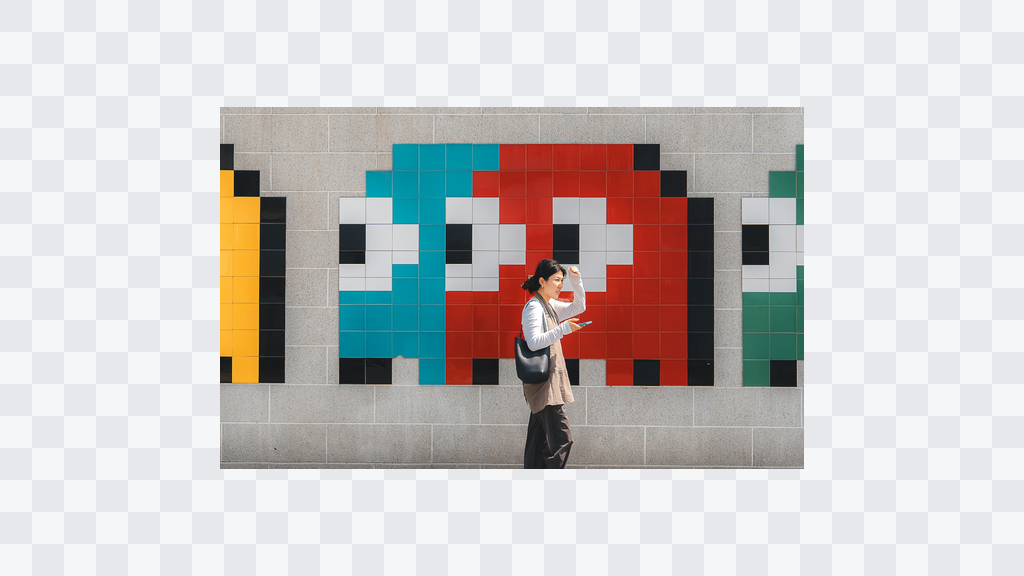
Original Pac-Man arcade scene before AI image expansion
Expanded Pac-Man arcade scene after AI image expansion

Use cases

AI Expand Image fits every image workflow

From product listings to print campaigns, AI Expand Image helps you extend the canvas, protect the subject, and deliver clean compositions without manual edits.

  • Photography professionals

    Extend tight crops into balanced frames while keeping lighting and textures consistent. Ideal for client selects, portfolios, and fast turnarounds.

  • E-commerce and product photos

    Create extra negative space for headlines, price tags, and layouts. AI Expand Image keeps products sharp while rebuilding backgrounds that look studio-ready.

  • Posters and photo printing

    Prepare images for large formats without awkward crops. Expand backgrounds to fit poster ratios and keep edges clean for print-safe results.

  • Social media content

    Remix one photo into every platform ratio. Expand to 9:16, 4:5, or 1:1 and leave space for captions, CTAs, and overlays without cutting the subject.

  • Real estate and architecture

    Widen interiors and exterior shots to show more context. AI Expand Image preserves lines and perspective so listings feel open and credible.

  • Design, ads, and web graphics

    Generate breathing room for hero banners and landing pages. Expand backgrounds to match your layout grid while keeping the focal point intact.

Start expanding

Upload once. Expand into every ratio you need.

Choose an image and let AI Expand Image rebuild the missing space around your subject. You will be taken back to the editor to place the frame and generate.

AI Expand Image FAQ

Answers to the most common questions about AI Expand Image, free daily credits, and Expand Pro.