AI image extender built for new aspect ratios
Use the AI image extender when your source photo is good, but the frame is not. Add natural background space for vertical posts, wide banners, square product visuals, and cleaner design compositions.
AI image extender
Extend photos without squeezing or stretching them
A good AI image extender does more than resize a file. It creates new visual area outside the original borders, so the subject can stay sharp while the background grows naturally around it. For broader scene generation, compare it with AI outpainting.
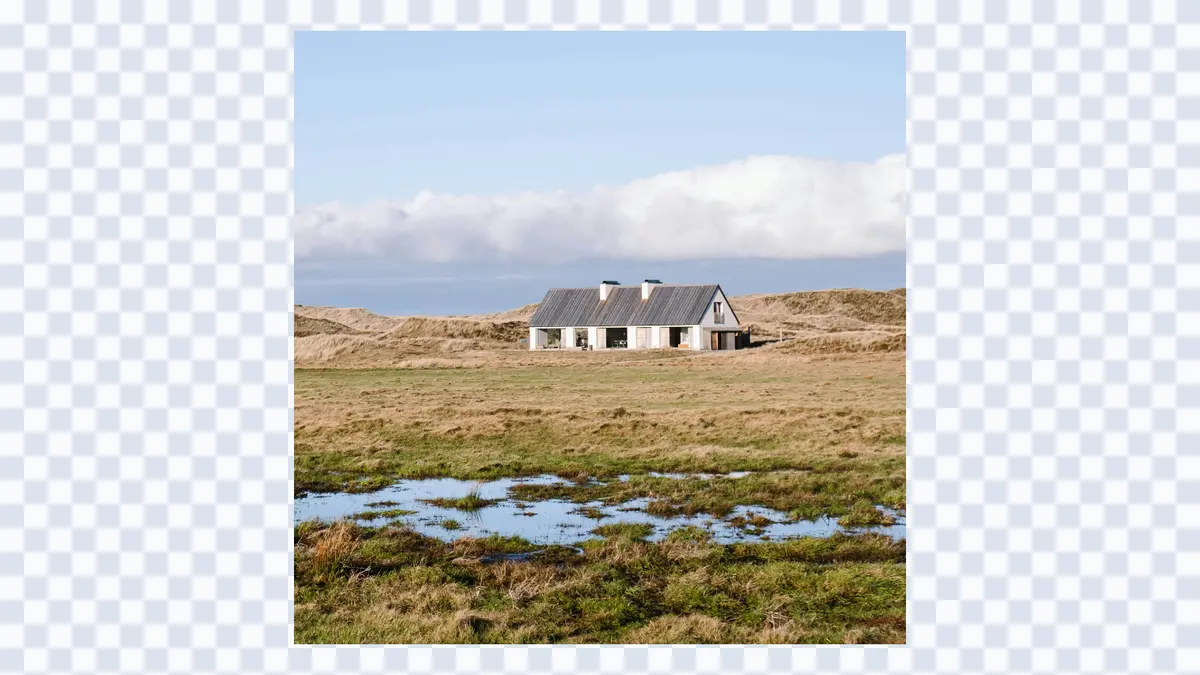
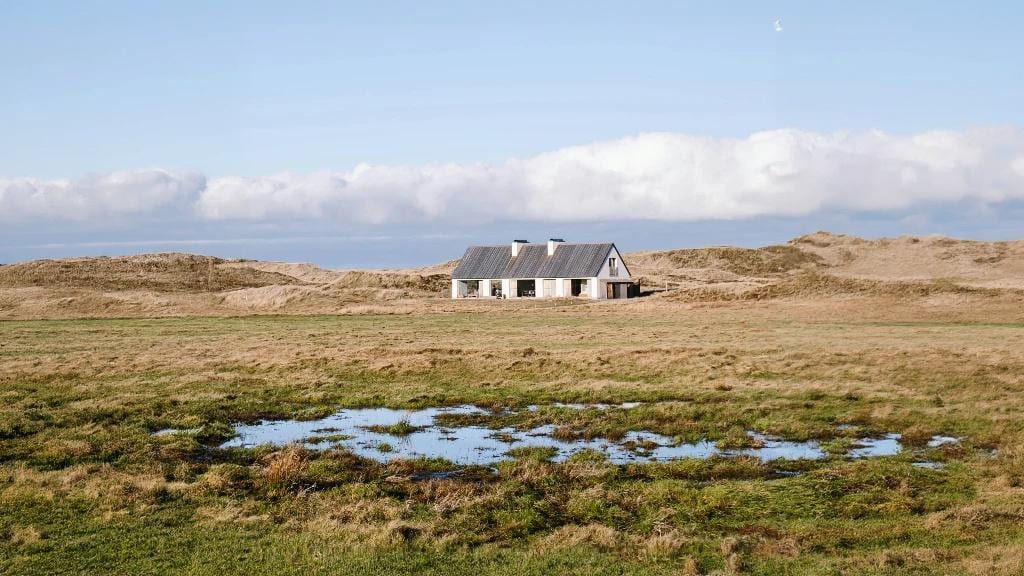
AI image extender
Turn one image into multiple publishing formats
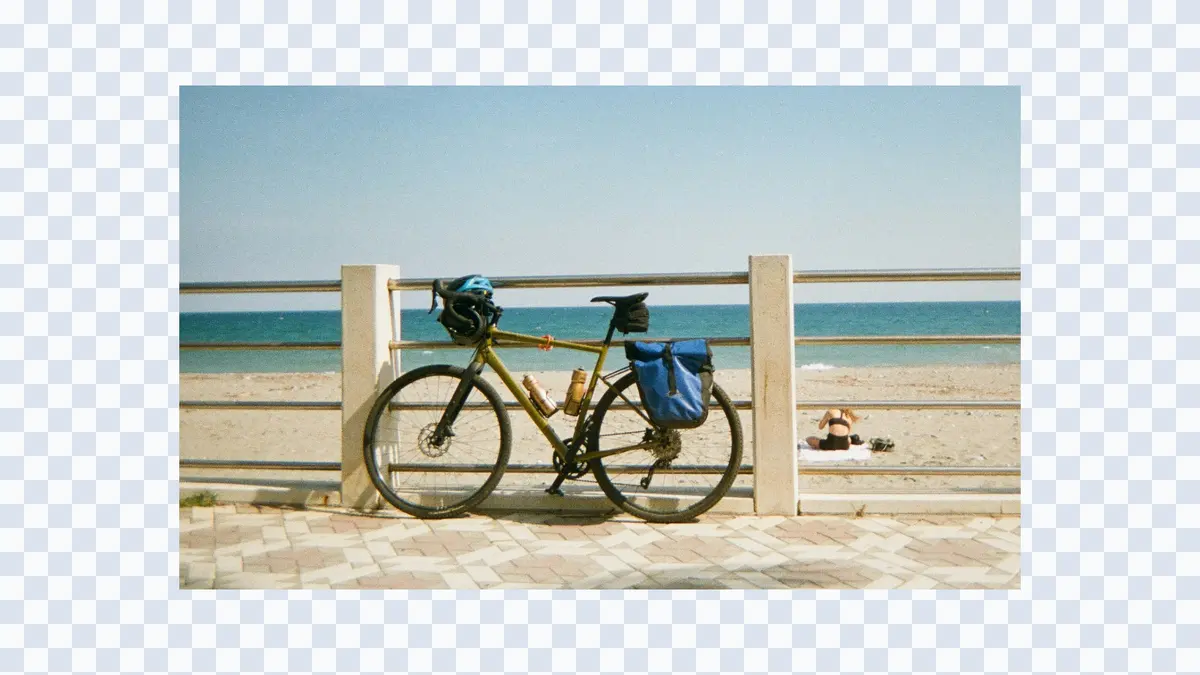
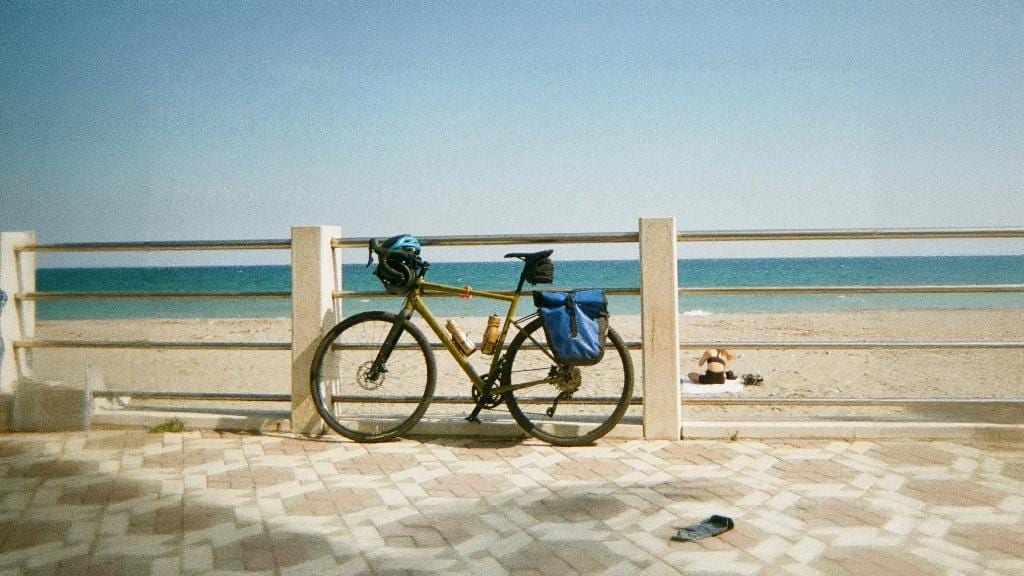
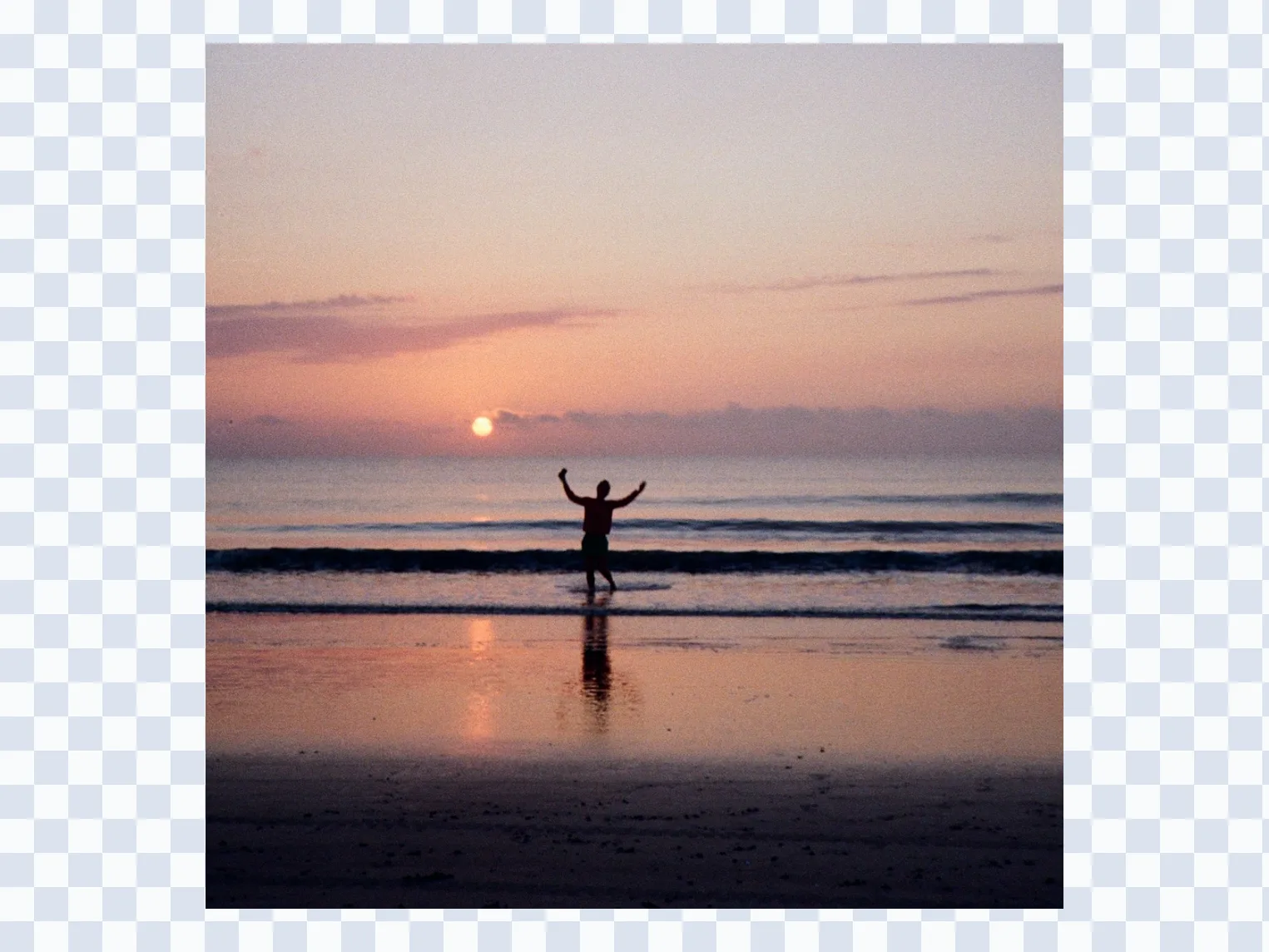
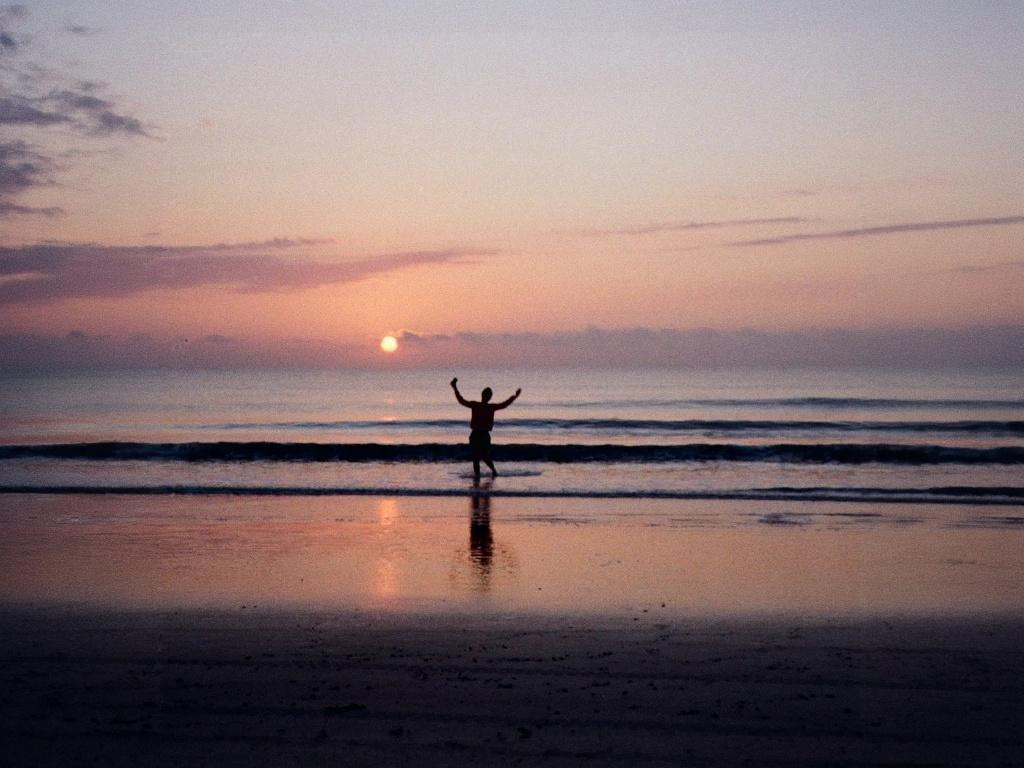
Extend Image with AI to prepare the same visual for 9:16 stories, 16:9 covers, 1:1 thumbnails, 4:5 social posts, and custom website layouts. Instead of cutting off the subject, add the missing room around it. If the frame only needs edge recovery, try uncrop image.
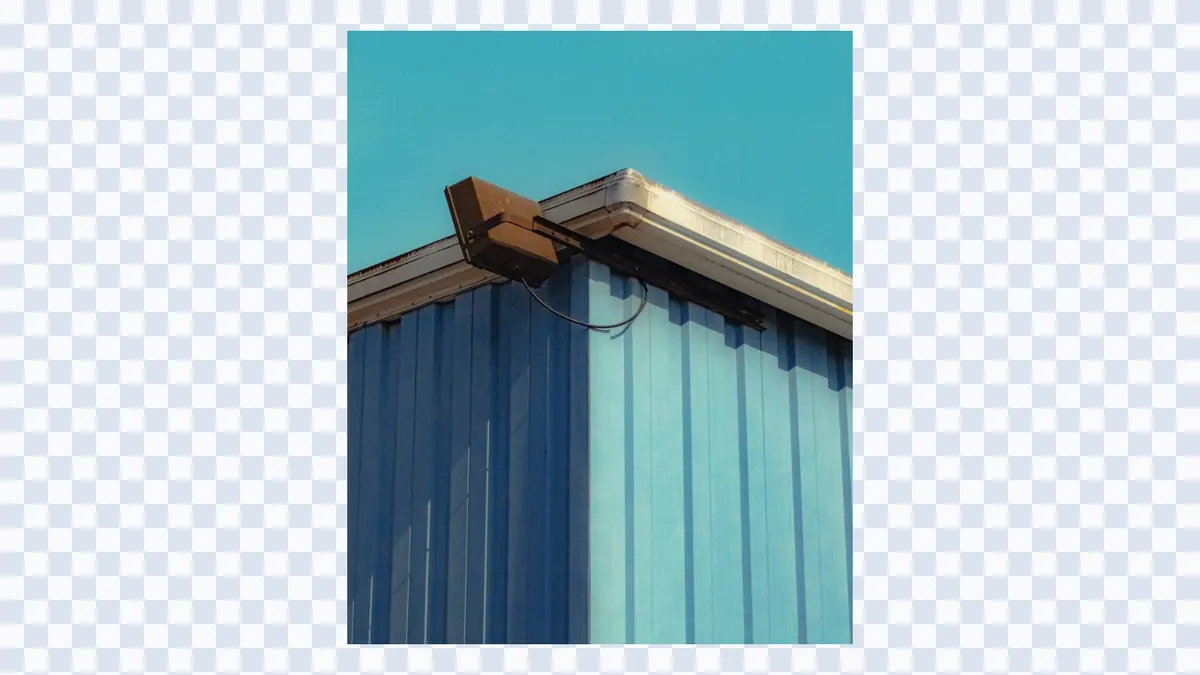
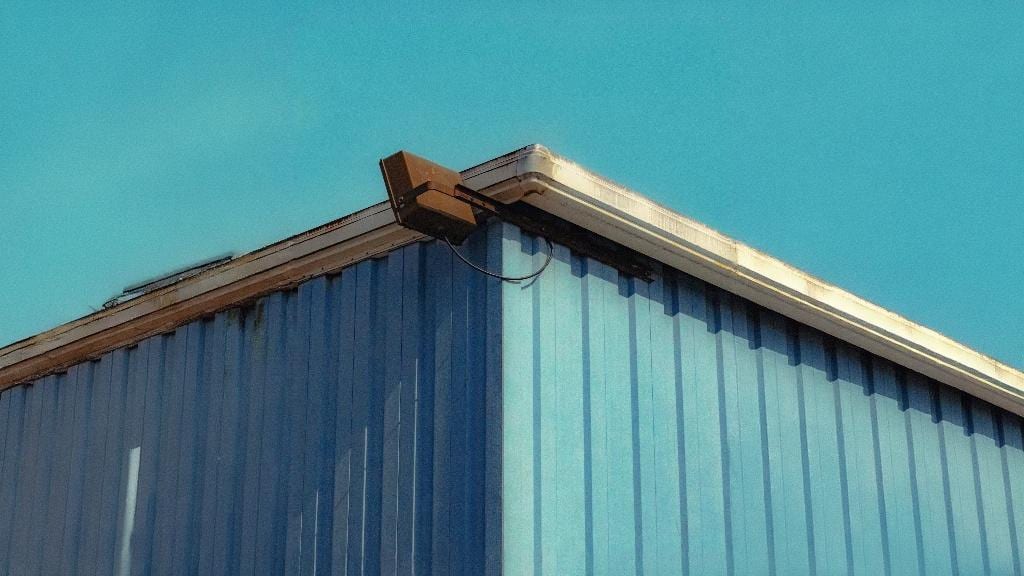
AI image extender
Keep the photo believable at the new edges
The AI Photo Extender workflow is designed to match lighting, perspective, texture direction, and color at the border. This helps skies, walls, beaches, streets, interiors, and simple backgrounds continue cleanly.
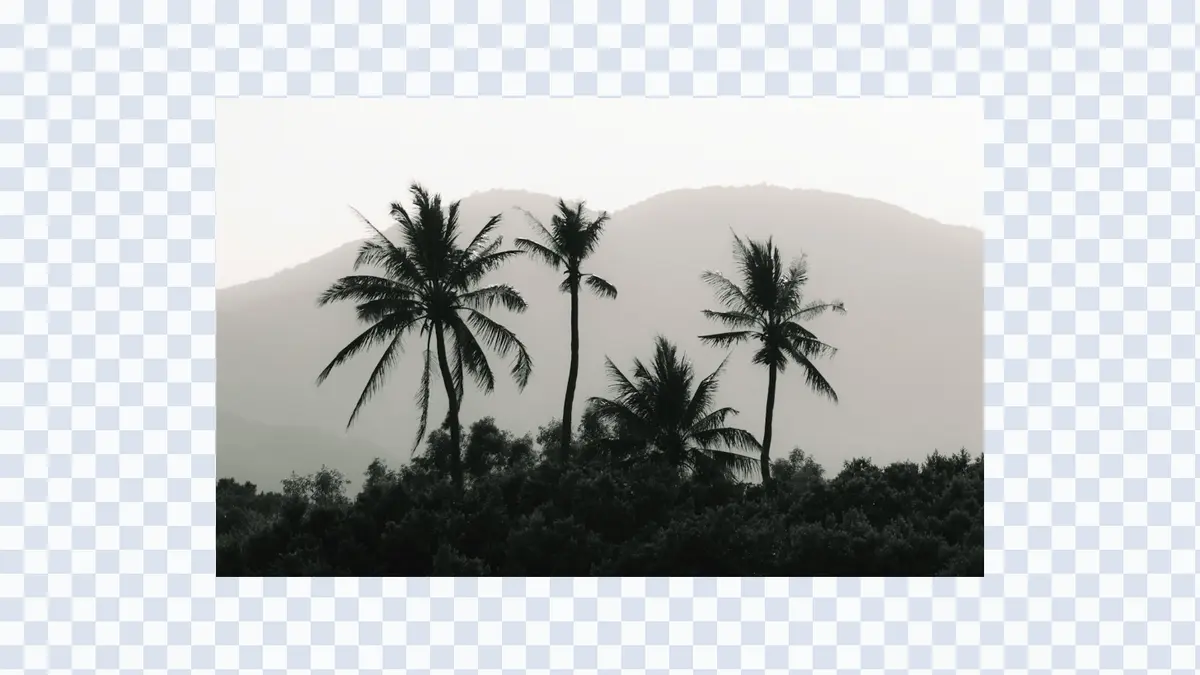
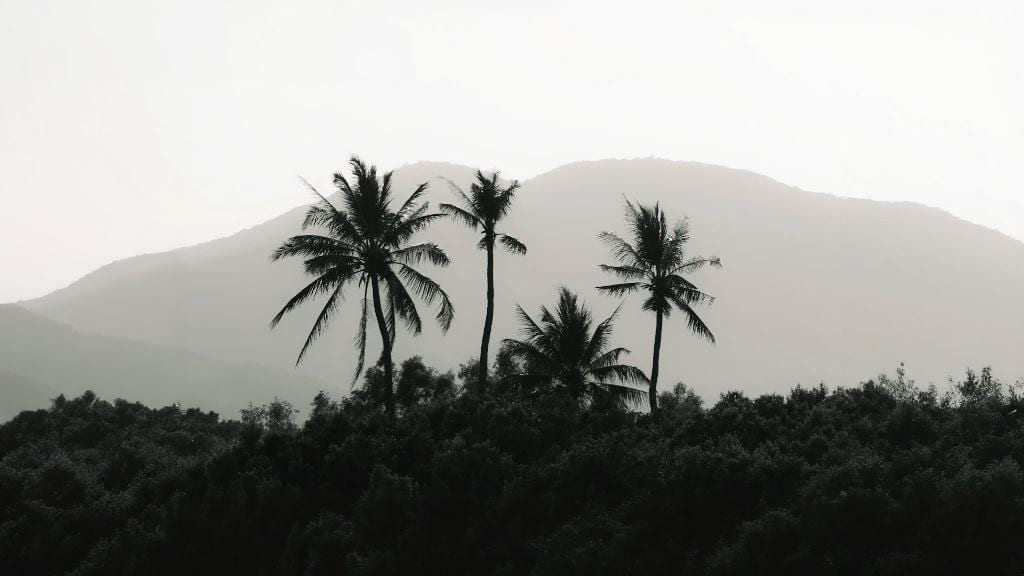
AI image extender
Choose standard extension or Pro quality
Start with the standard AI image extender for quick tests and daily free credits. Switch to Expand Pro when you need larger expansions, fewer edge artifacts, and stronger consistency for client work or campaign assets. For the general image expansion workflow, return to Image Expander.