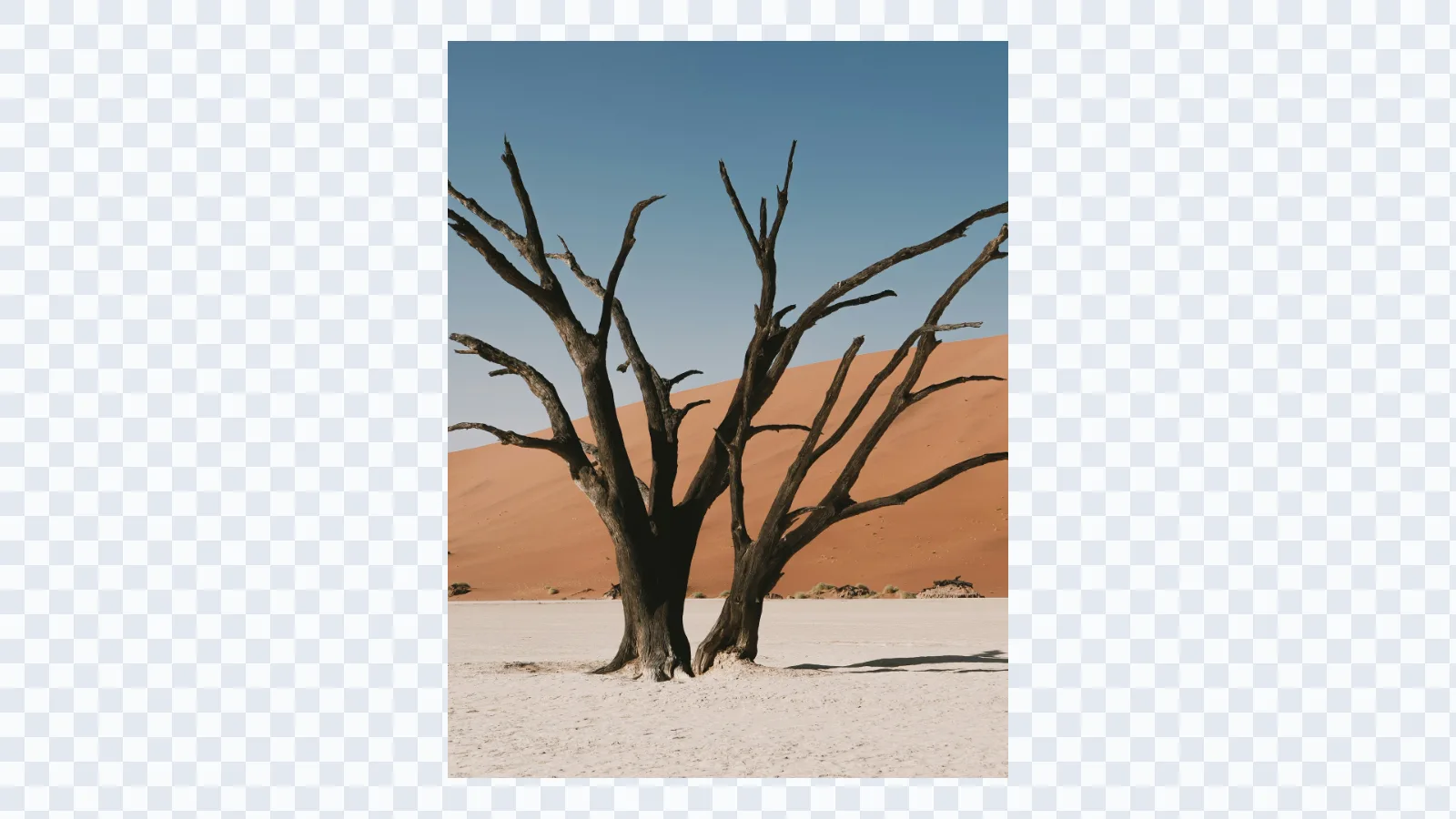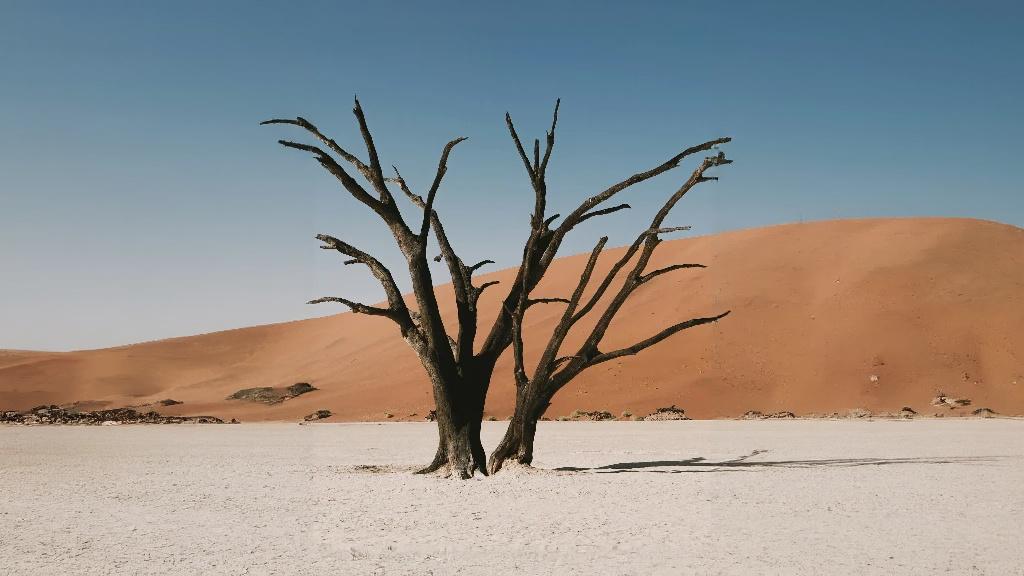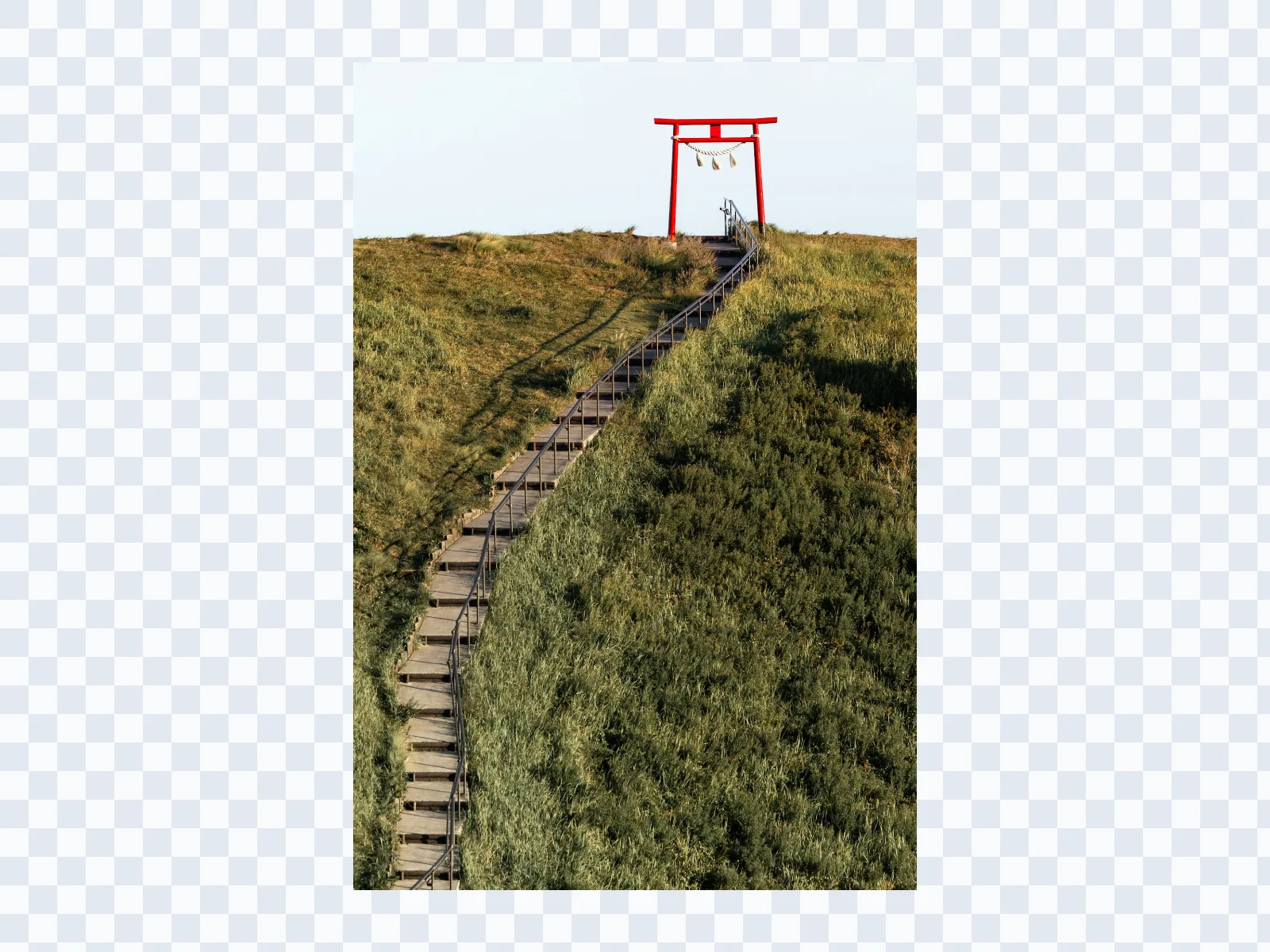
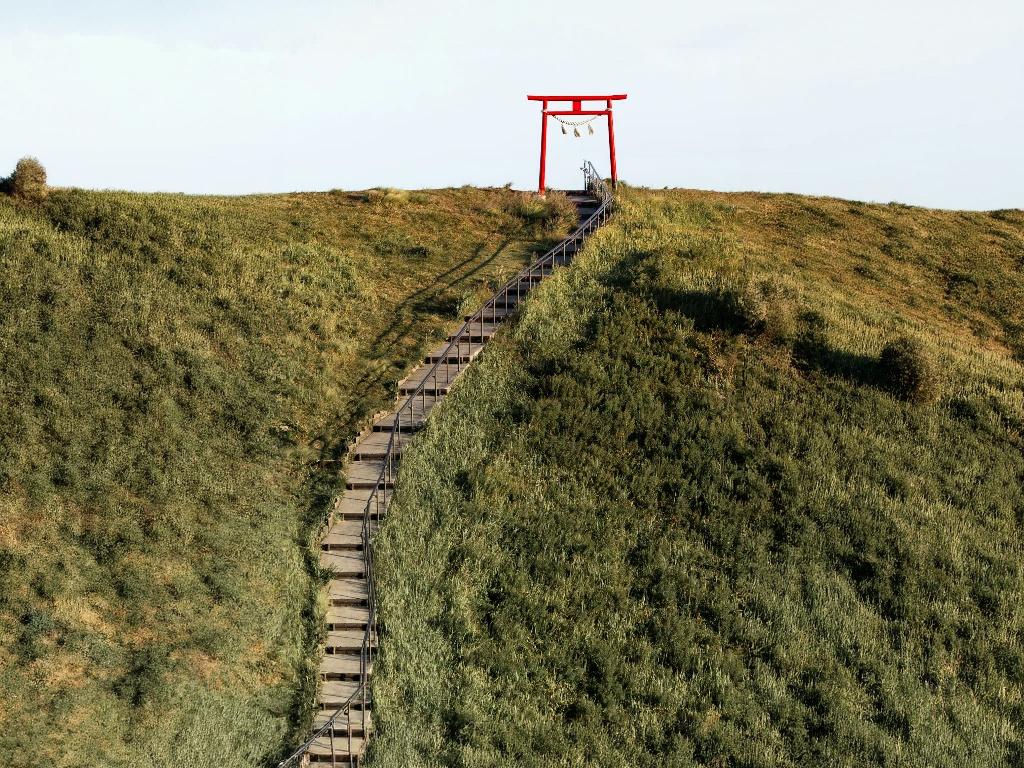
AI outpainting that expands scenes instead of just resizing them
This page is built for outpainting AI use cases where you want to generate more environment, more negative space, and more usable canvas around an existing image.
AI outpainting
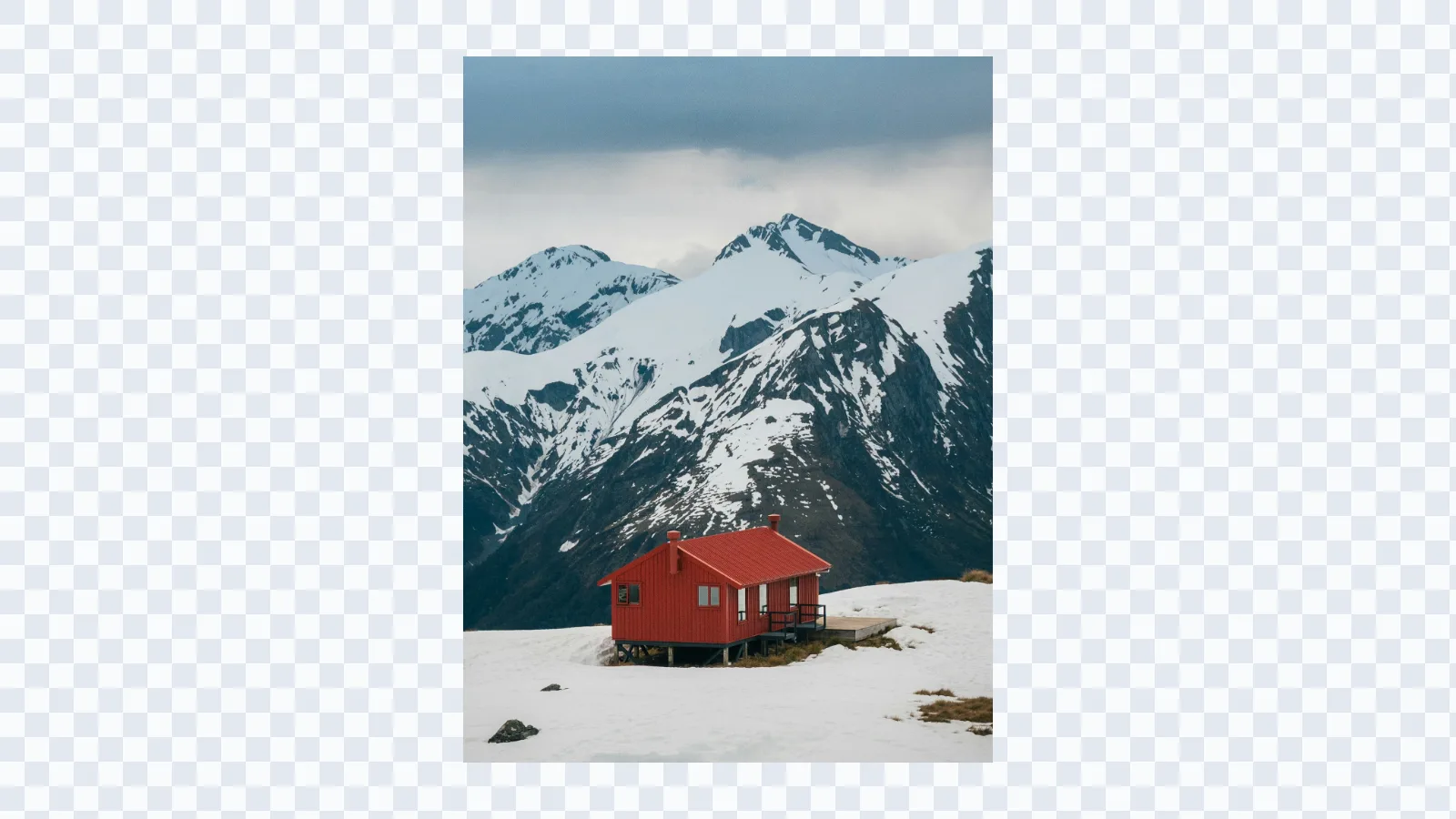
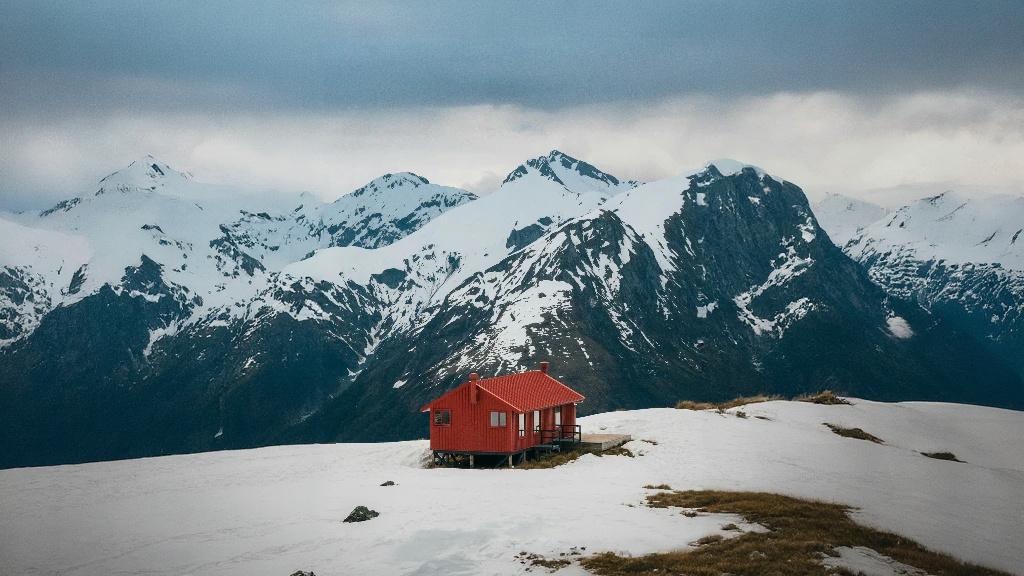
Generate a larger scene around the original image
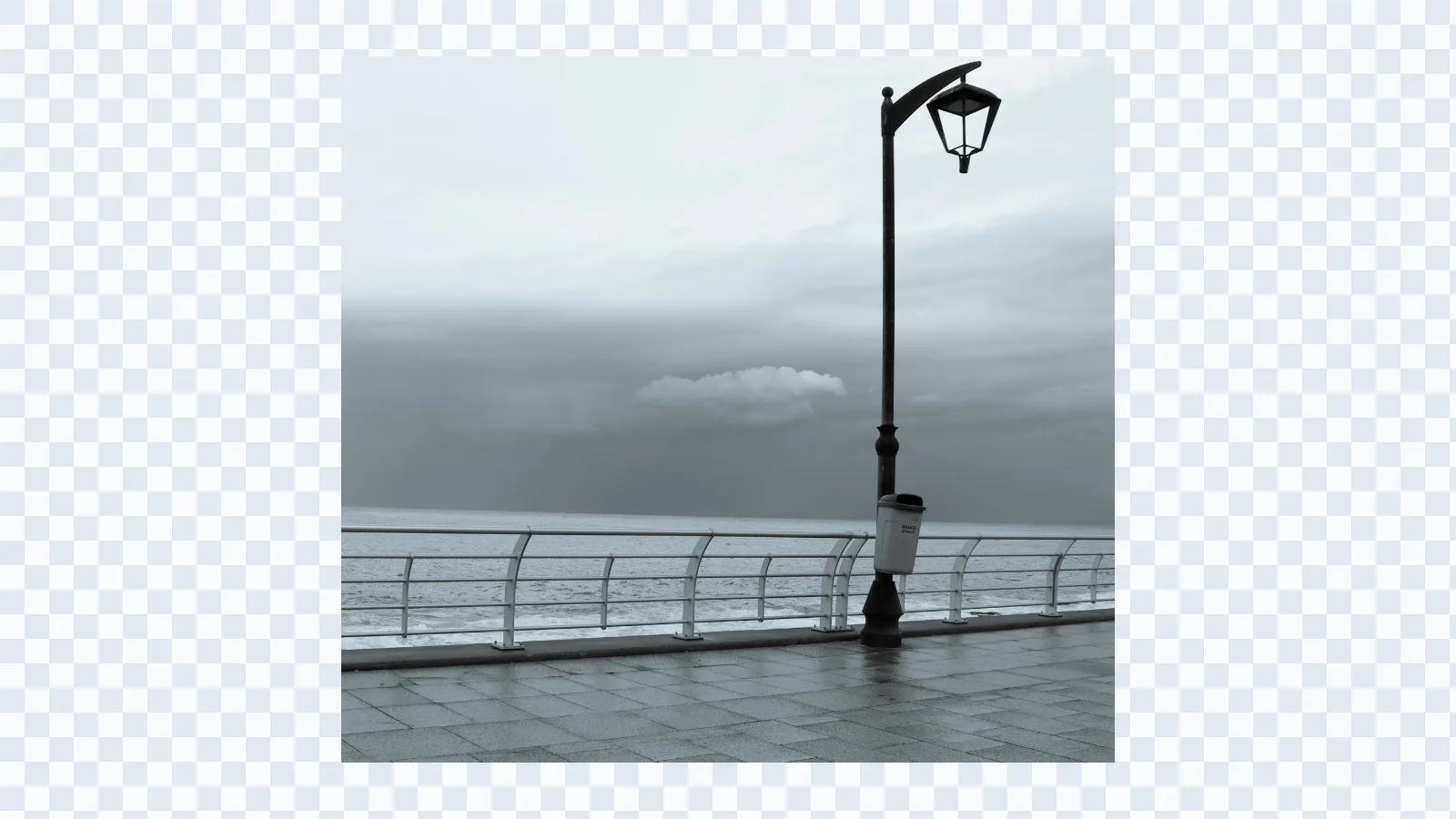
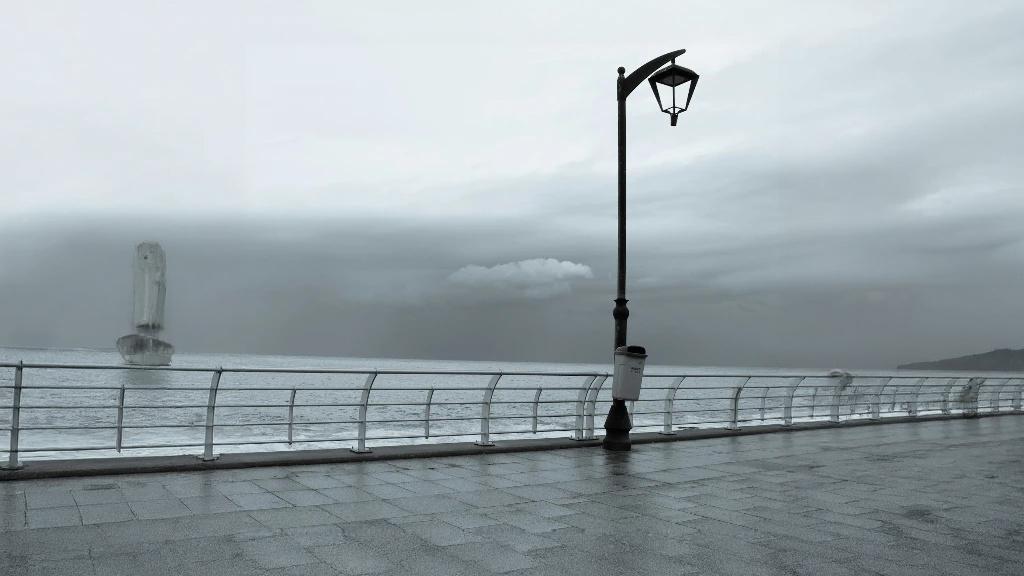
AI outpainting analyzes the source image and creates new pixels outside its existing borders. That makes it useful when you want the result to feel like a wider shot rather than a simple resize.
AI outpainting
Create layout space for banners, ads, and posters
Outpainting AI is especially useful for creative work that needs extra breathing room. Expand the environment so headlines, logos, and calls to action can fit without covering the main subject. If your goal is edge recovery rather than scene building, start with uncrop image.
AI outpainting
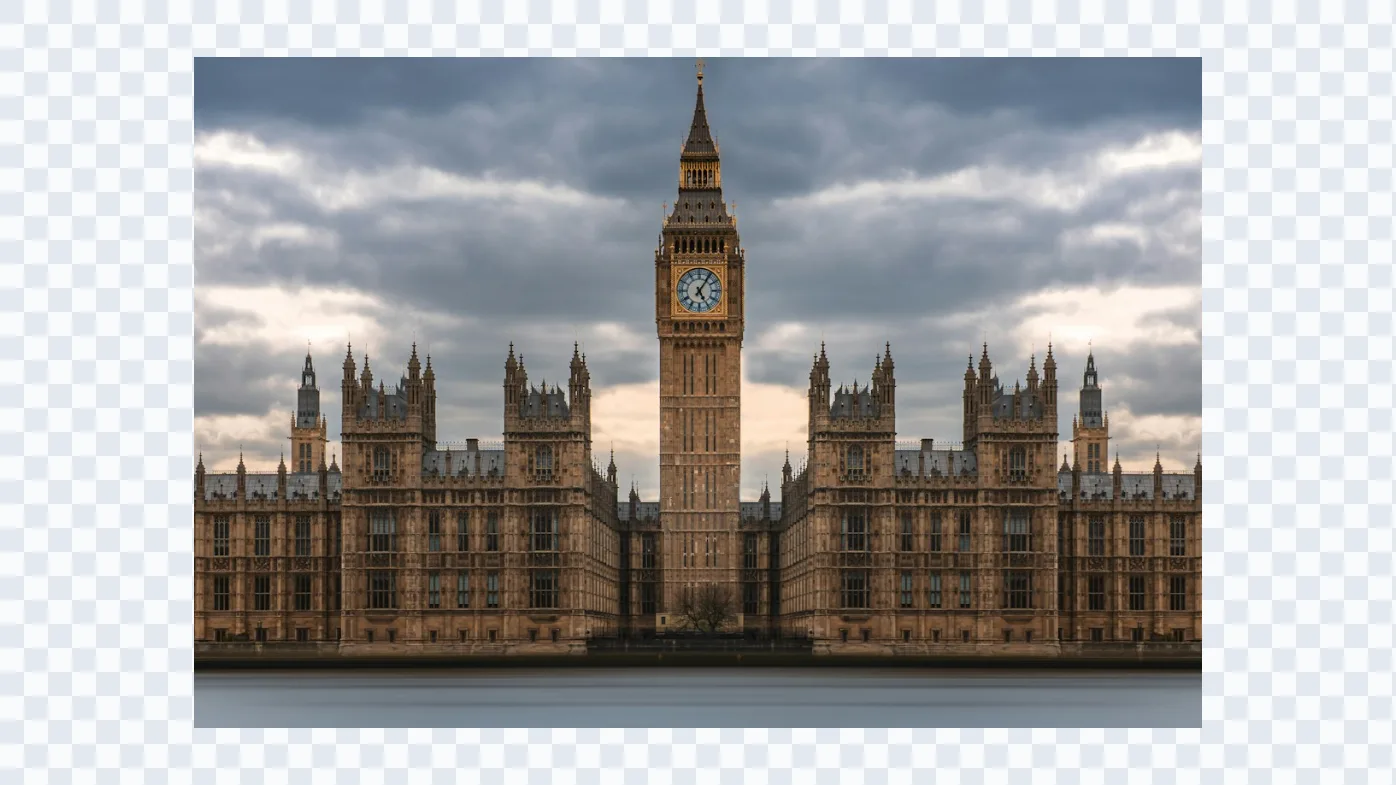
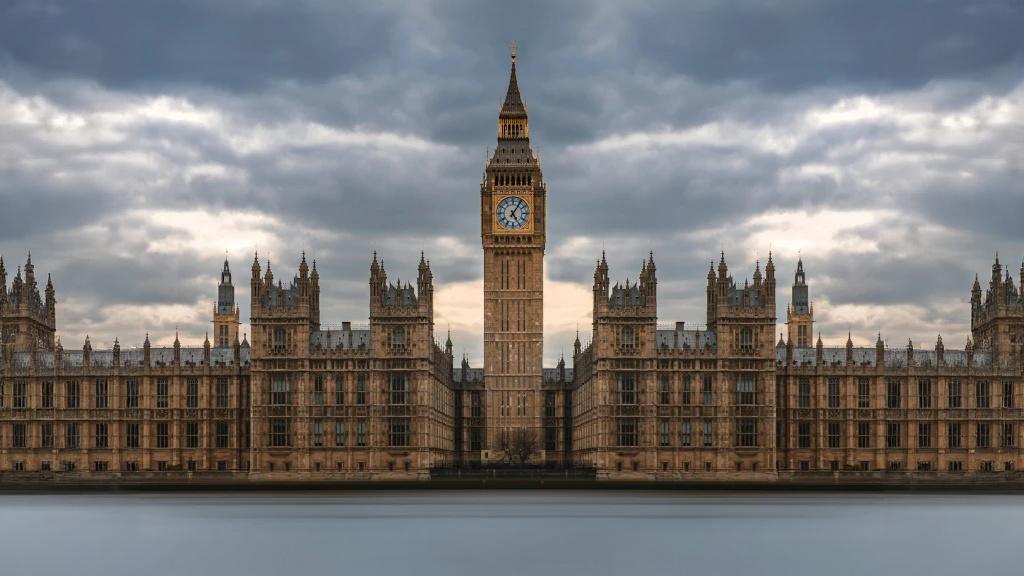
Extend backgrounds while matching style and perspective
A strong AI outpainting result keeps the original lighting, camera angle, and texture direction coherent. The goal is not only more canvas, but background continuation that still belongs to the same image.
AI outpainting
Use one editor for free tests and Pro-quality outputs
Start with the standard model when you want to test outpainting AI free style workflows, then switch to Expand Pro when you need larger expansions and stronger consistency for production assets. For a simpler general workflow, return to Image Expander.