Instagram Image Size Resizer

The best Instagram image size depends on the post format: 1080 x 1350 for portrait feed posts, 1080 x 1080 for square posts, 1080 x 566 for landscape posts, and 1080 x 1920 for stories or reels. Upload an image, choose an Instagram-ready canvas, and let AI extend the background instead of cropping away the subject.

Before
After
Before
After

Upload an image for Instagram image size

Supported formats:JPGPNGWEBP
No image? Try these:

Instagram image size

How to resize to Instagram image size

Upload your image, choose the Instagram image size, position the subject, and generate a post, story, or reel image.

01

Upload your image

Choose a JPG, PNG, or WebP image that you want to turn into an Instagram-ready post, story, or reel.

02

Choose the target size

Select 1080 x 1350 for portrait feed posts, 1080 x 1080 for square posts, 1080 x 566 for landscape posts, or 1080 x 1920 for stories and reels.
03

Generate the resized image

Click Generate to let AI extend the missing background while preserving the original subject.

04

Compare and download

Review the before and after view, then download the final Instagram image size output.

Resize to Instagram image size without losing the subject

Use the AI resizer to turn portraits, product photos, travel images, artwork, and campaign visuals into Instagram image size outputs for feed posts, stories, and reels.

Instagram image size

Use the right Instagram image size for each format

Instagram image size is not one fixed canvas. Use 1080 x 1350 for portrait feed posts, 1080 x 1080 for square posts, 1080 x 566 for landscape posts, or 1080 x 1920 for stories and reels.

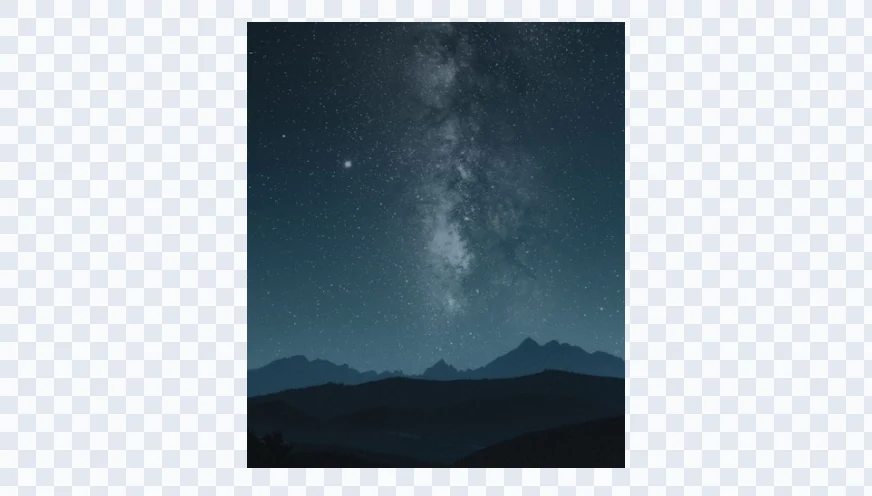
Starry mountain landscape before AI resizing to Instagram image size
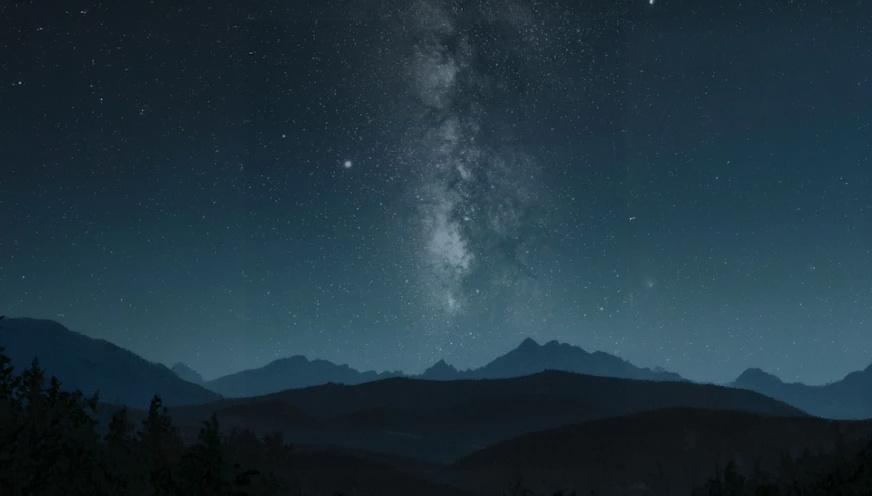
Starry mountain landscape after AI resizing to Instagram image size

Instagram image size

Extend the canvas instead of cropping the image

A normal resize can cut off faces, products, outfits, text, or useful background context. The AI resizer adds new surrounding pixels so the original subject can stay visible inside the selected Instagram image size. For general image expansion across custom formats, use AI Expand Image.

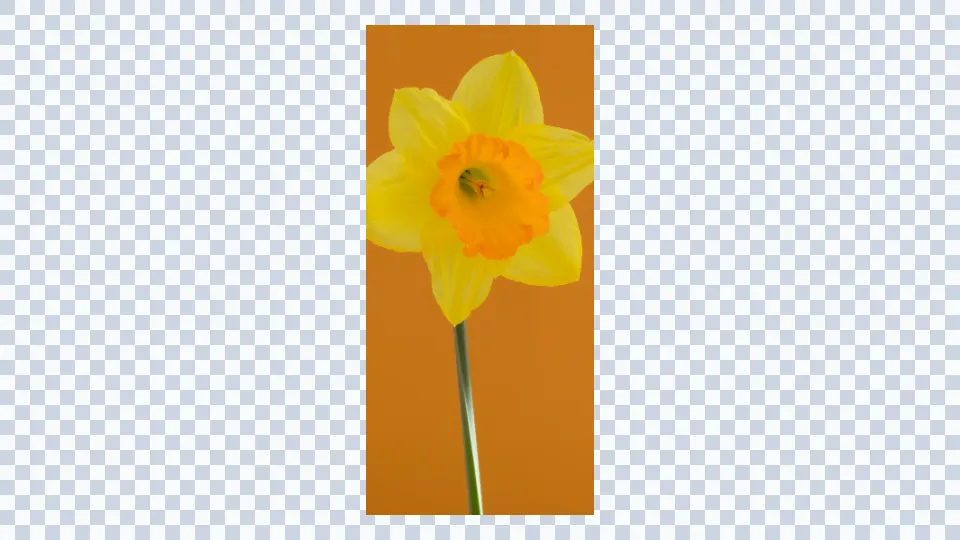
Yellow flower image before Instagram image size AI extension
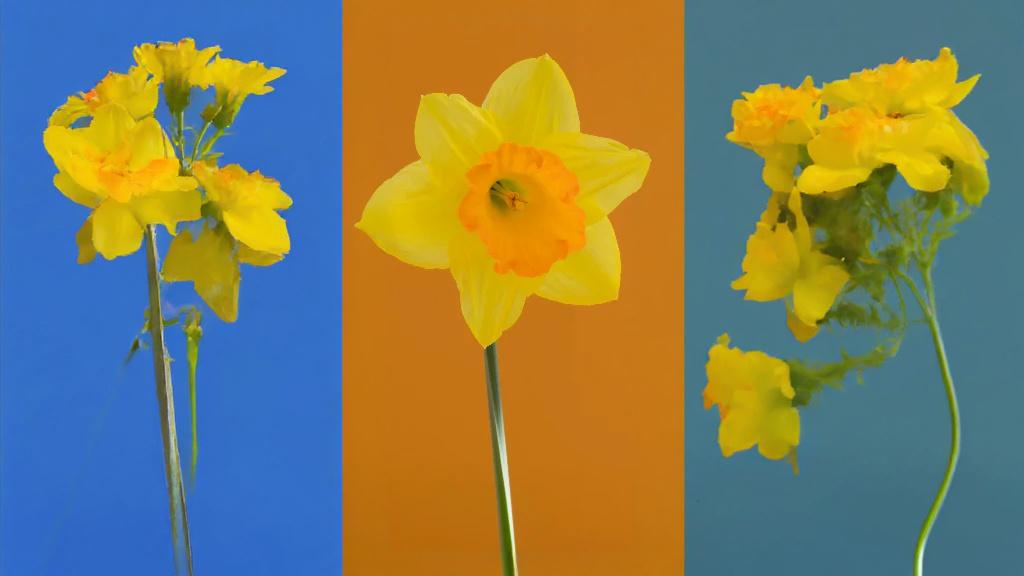
Yellow flower image after Instagram image size AI extension

Instagram image size

Create posts, stories, reels, and ad creatives

Prepare one source image for multiple Instagram placements. Generate a 4:5 feed portrait, a 1:1 square post, a 1.91:1 landscape post, or a 9:16 story and reel image from the same upload.
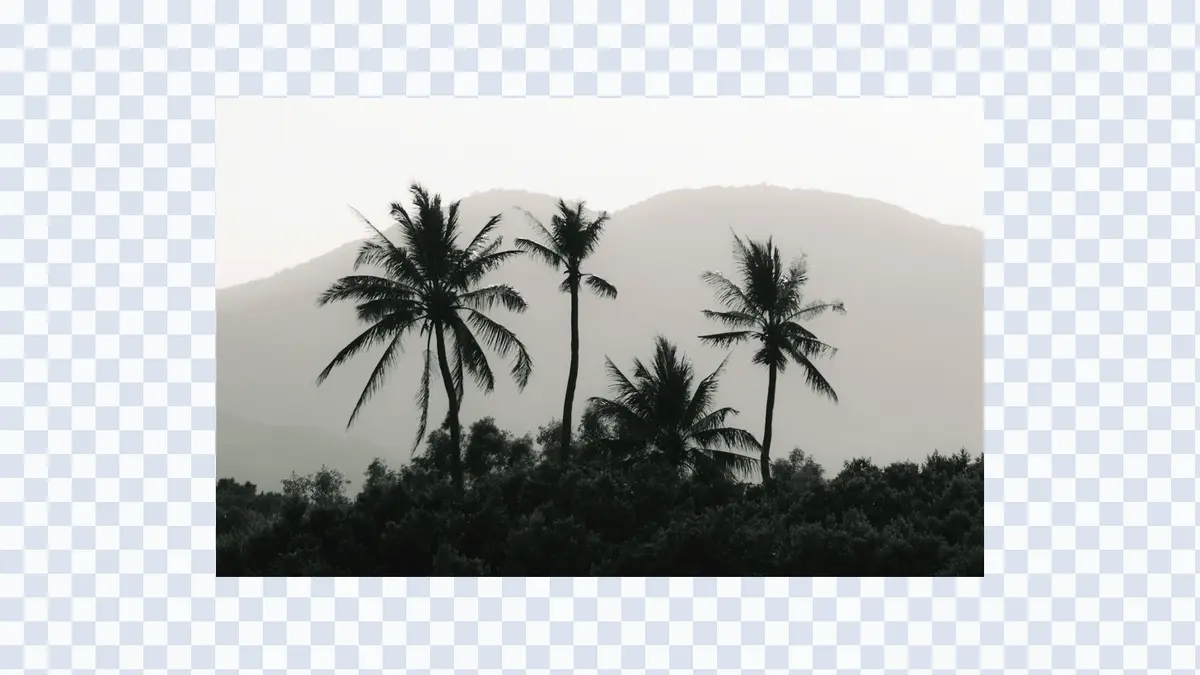
Palm hills image before AI resizer creates an Instagram-ready frame
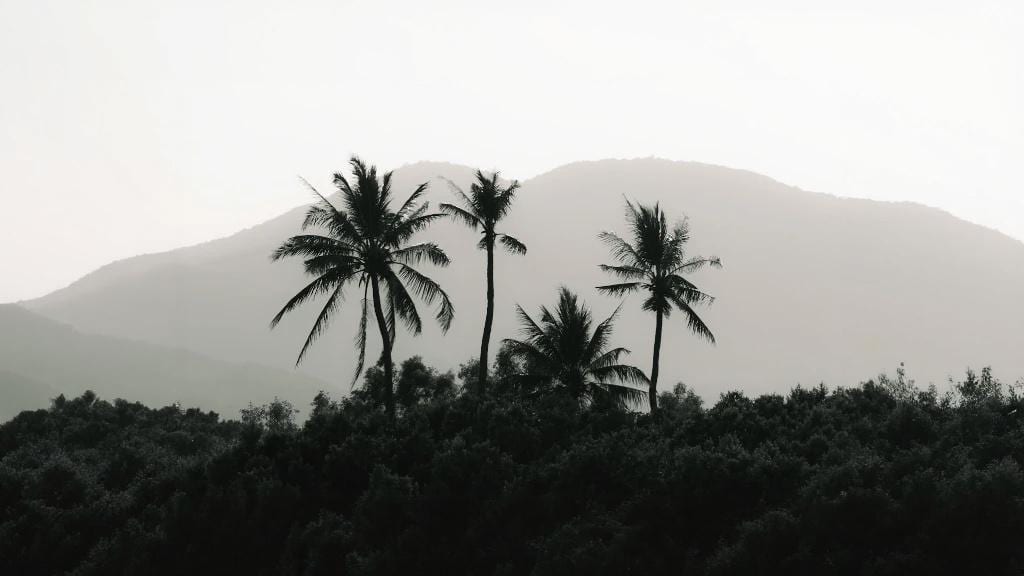
Palm hills image after AI resizer creates an Instagram-ready frame

Instagram image size

Position the image before generation

Drag the source image inside the target frame before you generate. This gives you control over where the AI should rebuild extra background for a cleaner Instagram composition. If you also need wide social banners, use the Facebook cover photo size extender.
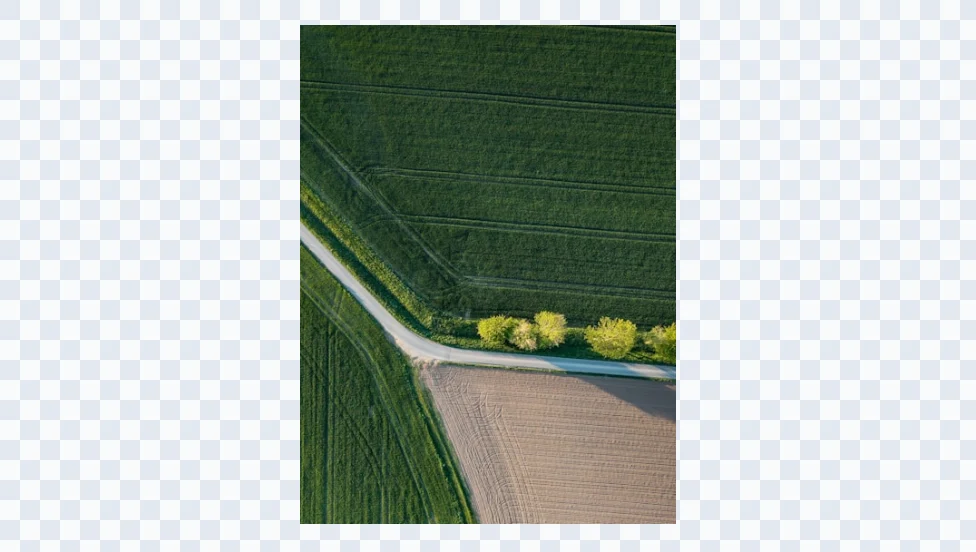
Aerial fields photo before being resized for Instagram
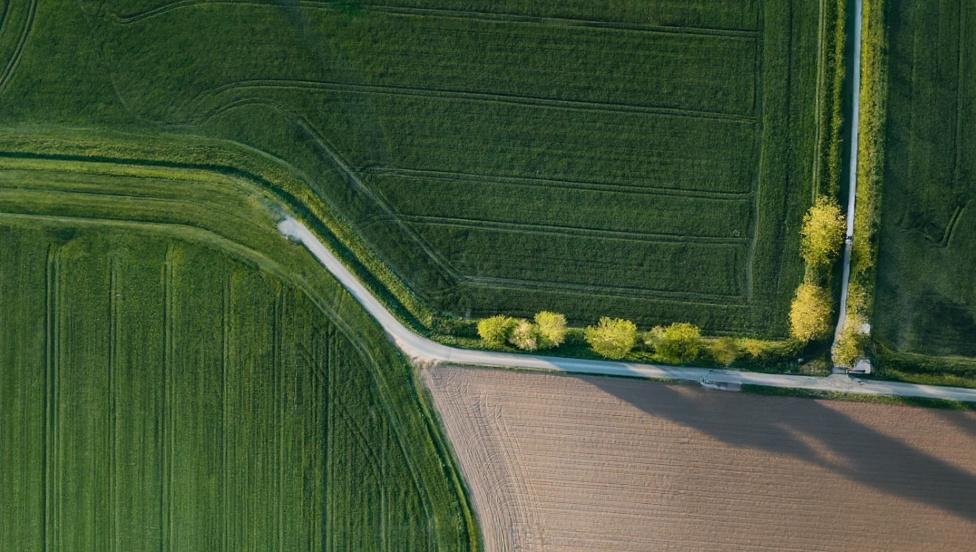
Aerial fields photo after being resized for Instagram

Use cases

When an Instagram image size resizer helps

Use this page when you have a strong image but need it to fit Instagram's feed, story, reel, or ad formats without awkward cropping.

  • Portrait and travel posts

    Add top, bottom, or side space around people, landscapes, interiors, and lifestyle photos so they fit the Instagram image size you need.

  • Product and shop images

    Resize product photos, lookbook shots, and launch visuals into Instagram-ready posts while keeping the product clear.

  • Artwork and posters

    Adapt artwork, posters, flyers, album covers, and event graphics into feed, story, or reel formats.

  • Repurposed social content

    Turn square, horizontal, vertical, or tightly cropped images into new Instagram image sizes for different placements.

  • Carousel and campaign sets

    Create consistent image sizes for carousel posts, creator campaigns, brand launches, and content calendars.

  • Space for text and overlays

    Create extra background room for headlines, captions, stickers, product labels, and other Instagram design elements.

Start resizing

Upload an image and resize it to Instagram image size.

Choose 1080 x 1350, 1080 x 1080, 1080 x 566, or 1080 x 1920, place your image in the frame, and generate an Instagram-ready image with AI.

Instagram Image Size FAQ

Answers to common questions about Instagram image size, feed posts, square posts, landscape posts, stories, reels, and AI resizing.