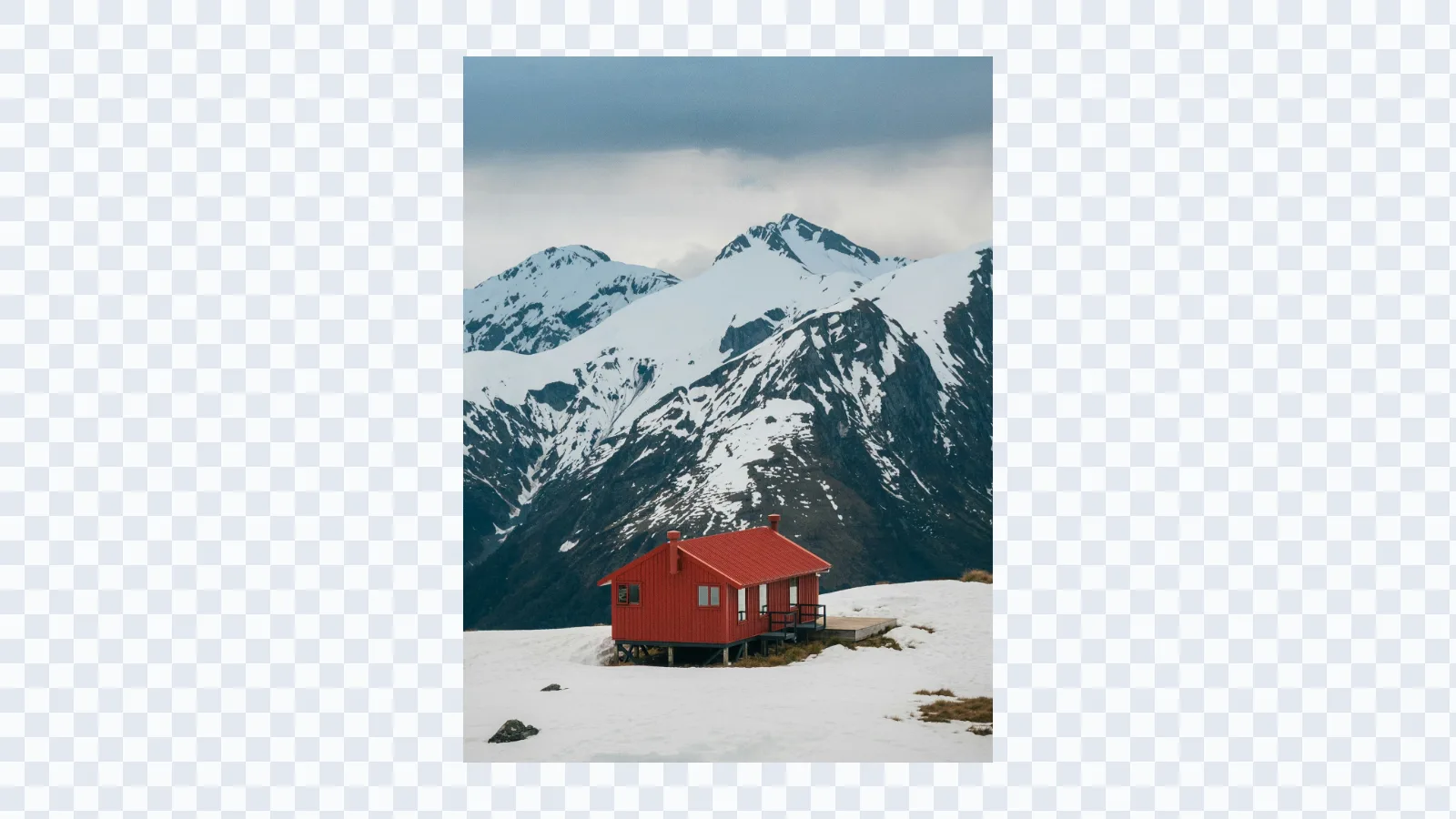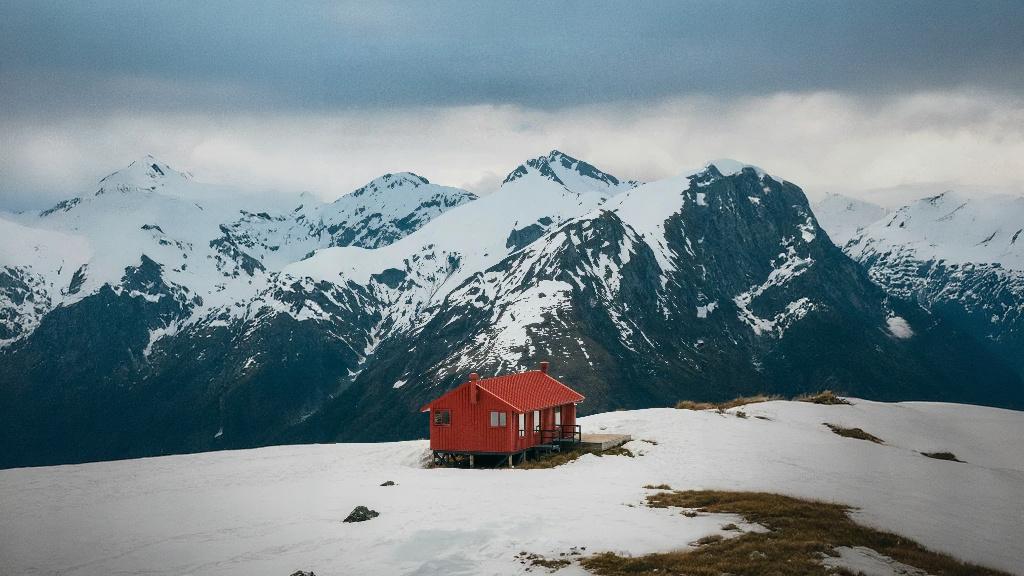
Resize to Twitter banner size without losing the subject
Use the AI resizer to turn photos, artwork, product shots, and personal brand images into Twitter banner size headers that fit a 3:1 frame.
Twitter banner size
Use the correct Twitter banner size
The recommended Twitter banner size for a profile header is 1500 x 500 pixels with a 3:1 aspect ratio. This tool starts with that frame so your image is prepared for Twitter instead of a generic crop.
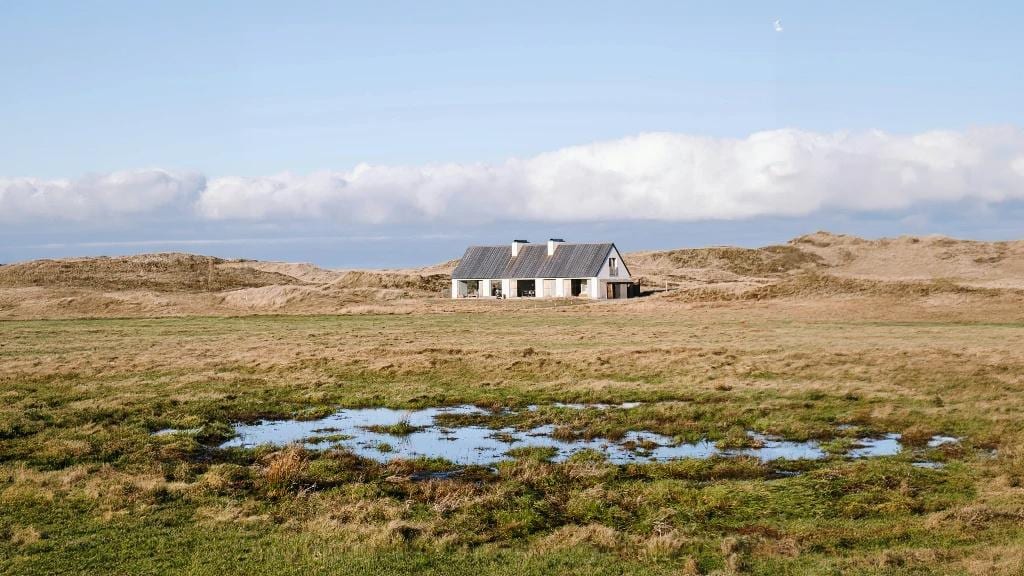
Twitter banner size
Extend the canvas instead of cropping the image
A normal resize can cut off faces, products, logos, or useful background context. The AI resizer adds new surrounding pixels so the original subject can stay visible inside the Twitter banner size. For broader AI canvas editing, start from Image Expander.
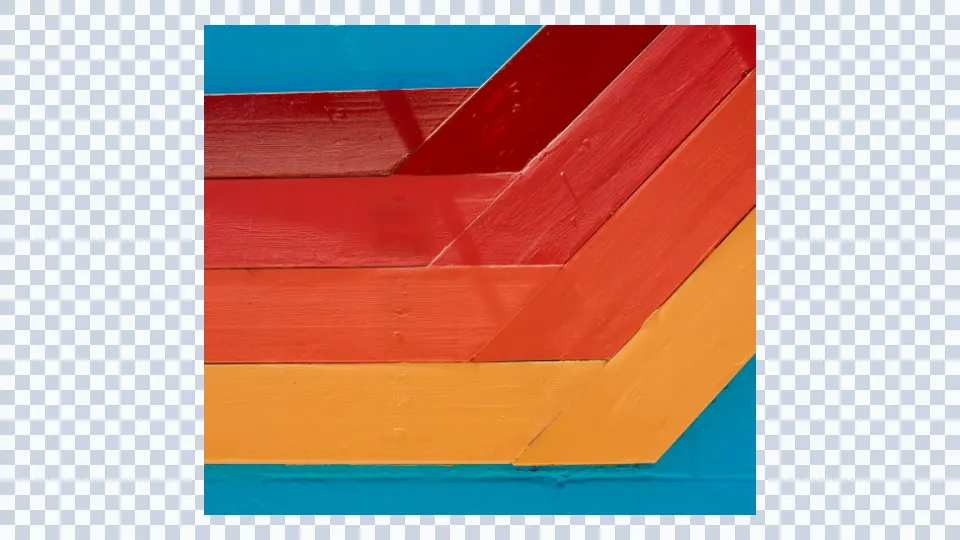
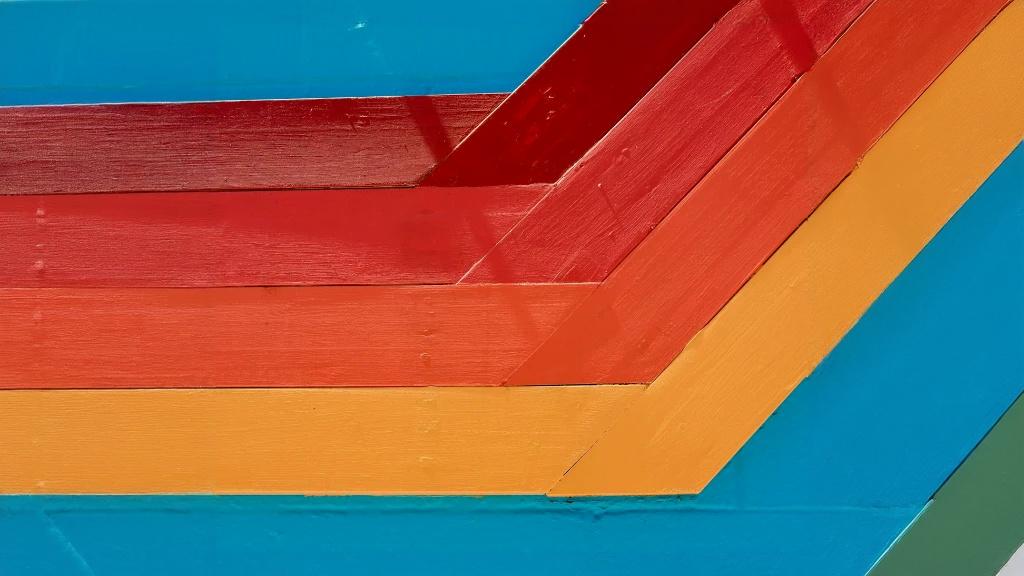
Twitter banner size
Create exact or high-resolution banner assets
Generate the standard 1500 x 500 Twitter banner size, or choose 3000 x 1000 when you want a larger 3:1 working file for design and export.


Twitter banner size
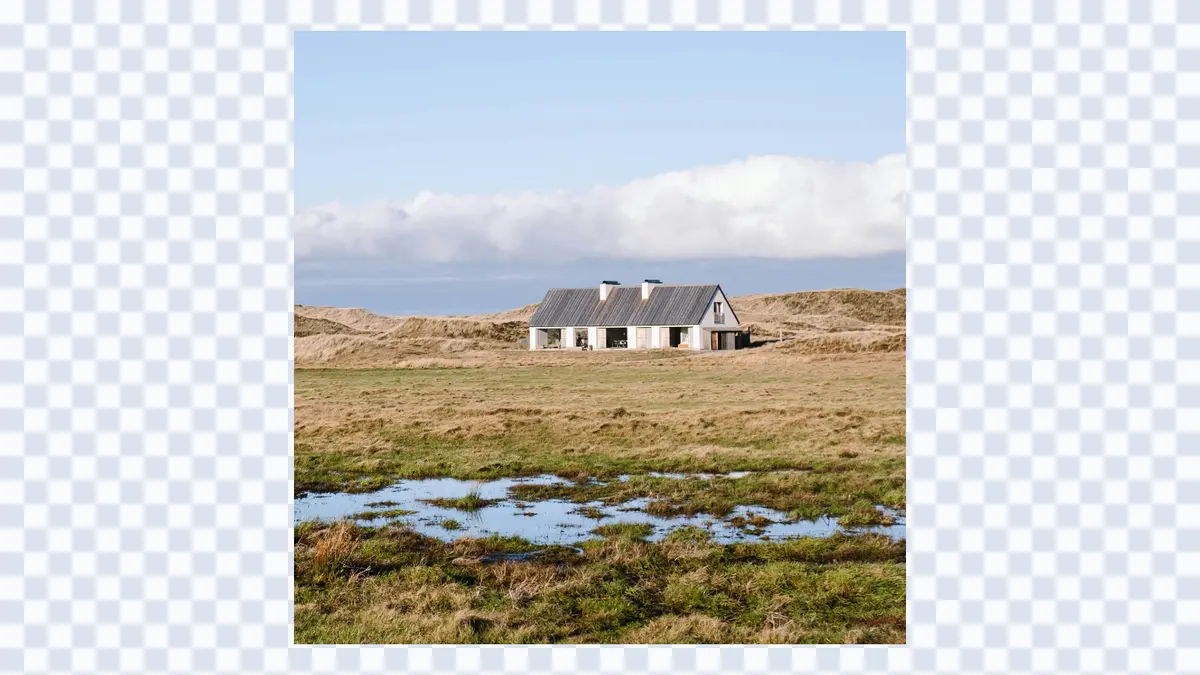
Position the image before generation
Drag the source image inside the target frame before you generate. This gives you control over where the AI should rebuild extra background for a cleaner Twitter banner composition. If you also publish video content, prepare thumbnails with the YouTube thumbnail size resizer.