LinkedIn Banner Size Extender

The recommended LinkedIn banner size for a profile background is 1584 x 396 pixels. Upload an image, choose a LinkedIn-ready canvas, and let AI extend the background instead of cropping away the subject.

Before
After
Before
After

Upload an image for LinkedIn banner size

Supported formats:JPGPNGWEBP
No image? Try these:

LinkedIn banner size

How to resize to LinkedIn banner size

Upload your image, choose the LinkedIn banner size, position the subject, and generate a wide profile background.

01

Upload your image

Choose a JPG, PNG, or WebP image that you want to turn into a LinkedIn banner.

02

Choose the target size

Select the 1584 x 396 LinkedIn profile banner size, the 4200 x 700 LinkedIn Page cover size, or the common 1128 x 191 company cover size.

03

Generate the extended banner

Click Generate to let AI extend the missing background while preserving the original subject.

04

Compare and download

Review the before and after view, then download the final LinkedIn banner size image.

Resize to LinkedIn banner size without losing the subject

Use the AI extender to turn portraits, workplace photos, brand visuals, and product shots into LinkedIn banner size images that fit a wide profile background.

LinkedIn banner size

Use the correct LinkedIn banner size

The standard LinkedIn banner size for a personal profile background is 1584 x 396 pixels. This tool starts with that wide frame so your image is prepared for LinkedIn instead of a generic crop.
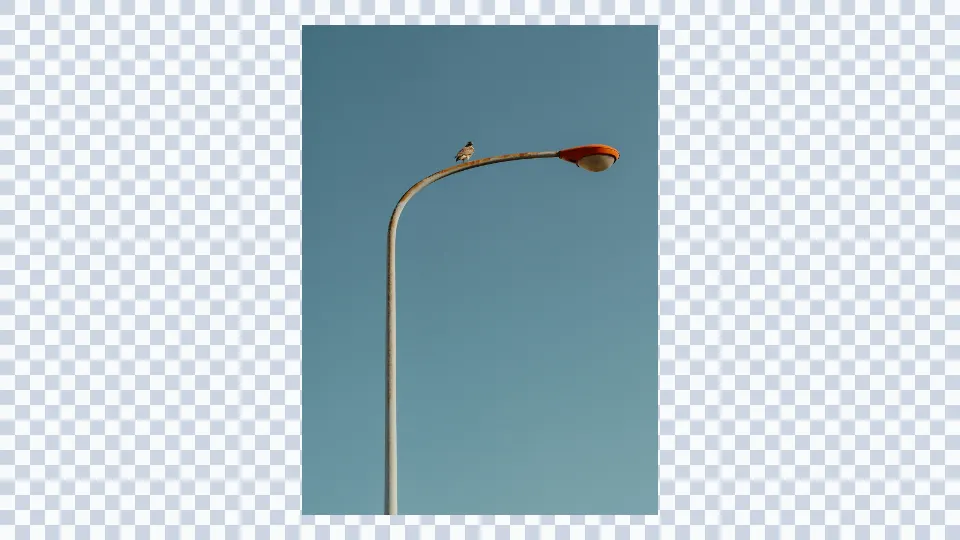
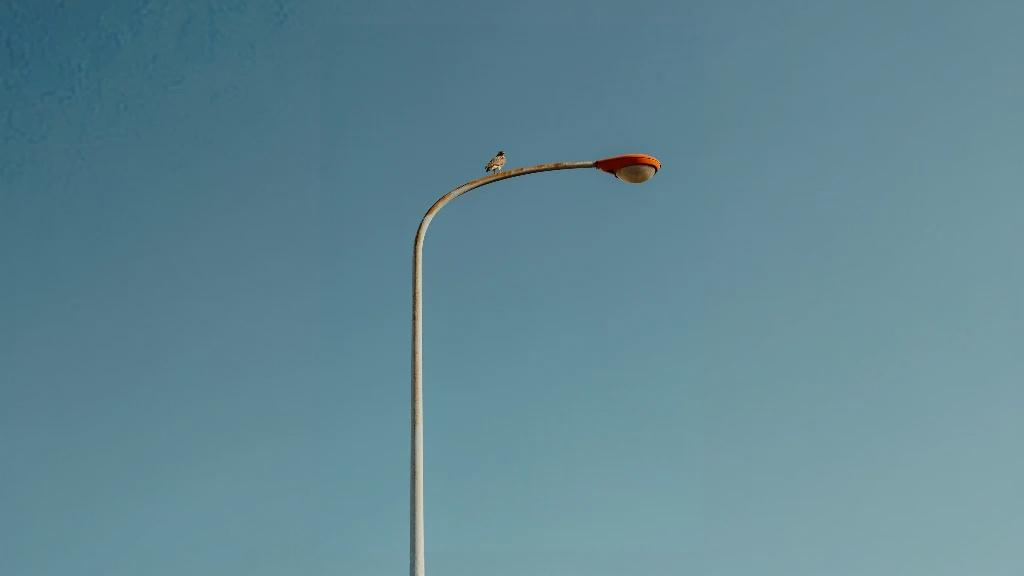
Bird on a street lamp before AI resizing to LinkedIn banner size
Bird on a street lamp after AI resizing to LinkedIn banner size

LinkedIn banner size

Extend the canvas instead of cropping the image

A normal resize can cut off faces, products, logos, or useful background context. The AI extender adds new surrounding pixels so the original subject can stay visible inside the LinkedIn banner size. For general image expansion across custom formats, use AI Expand Image.

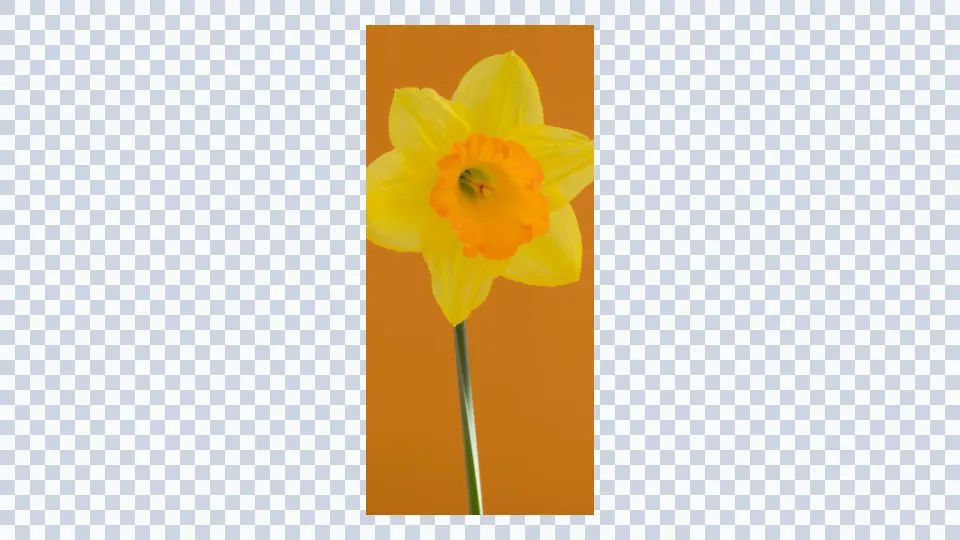
Yellow flower image before LinkedIn banner size AI extension
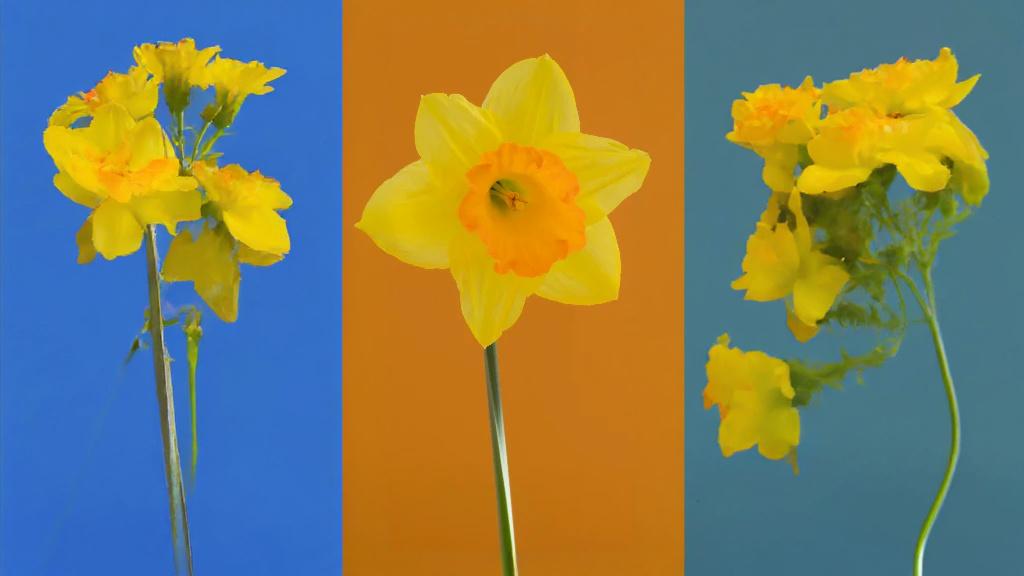
Yellow flower image after LinkedIn banner size AI extension

LinkedIn banner size

Create profile, page, and company cover assets

Generate the 1584 x 396 LinkedIn profile banner size, choose 4200 x 700 for a LinkedIn Page cover, or use 1128 x 191 for the common company cover size found in many design guides.
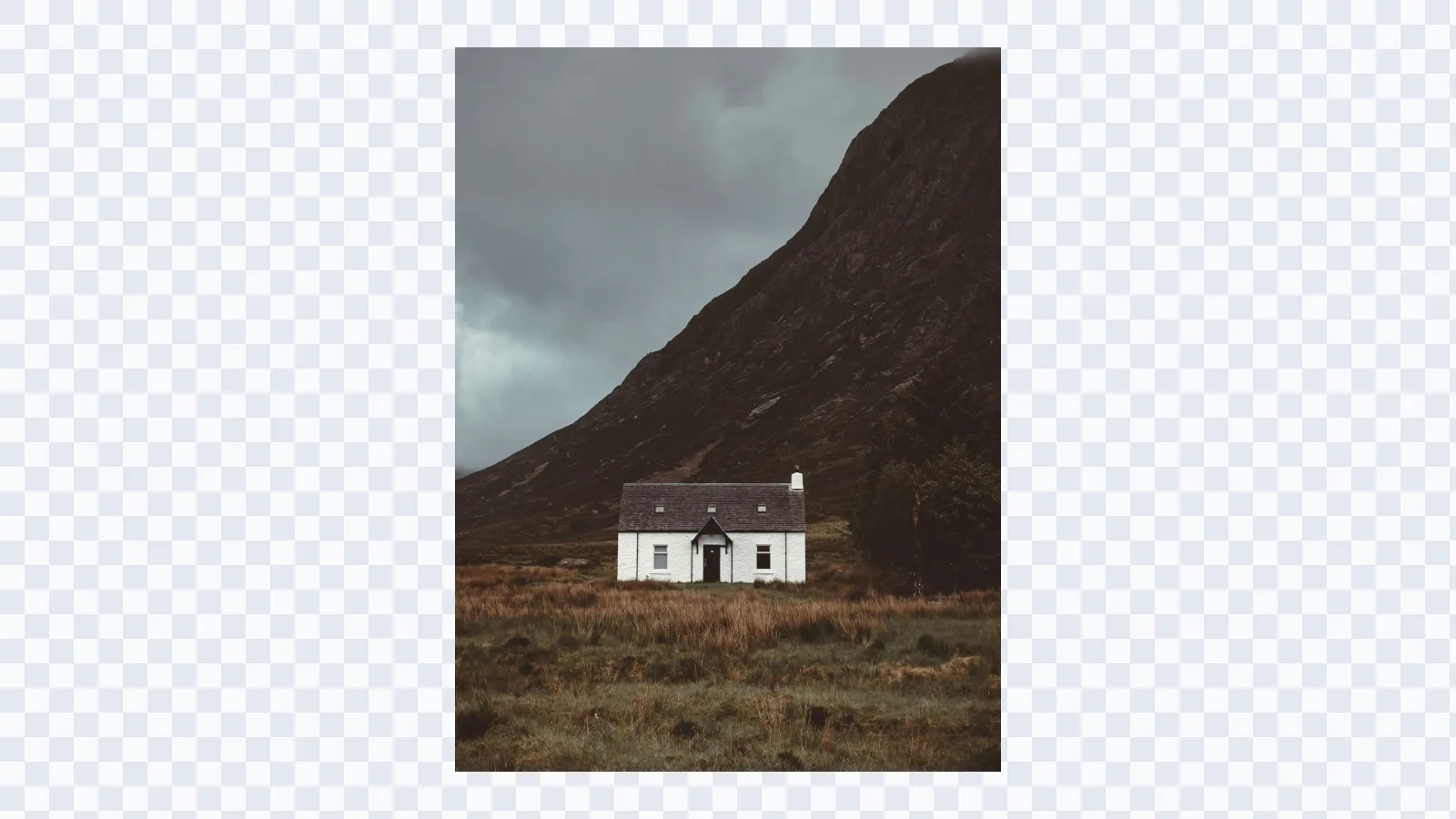
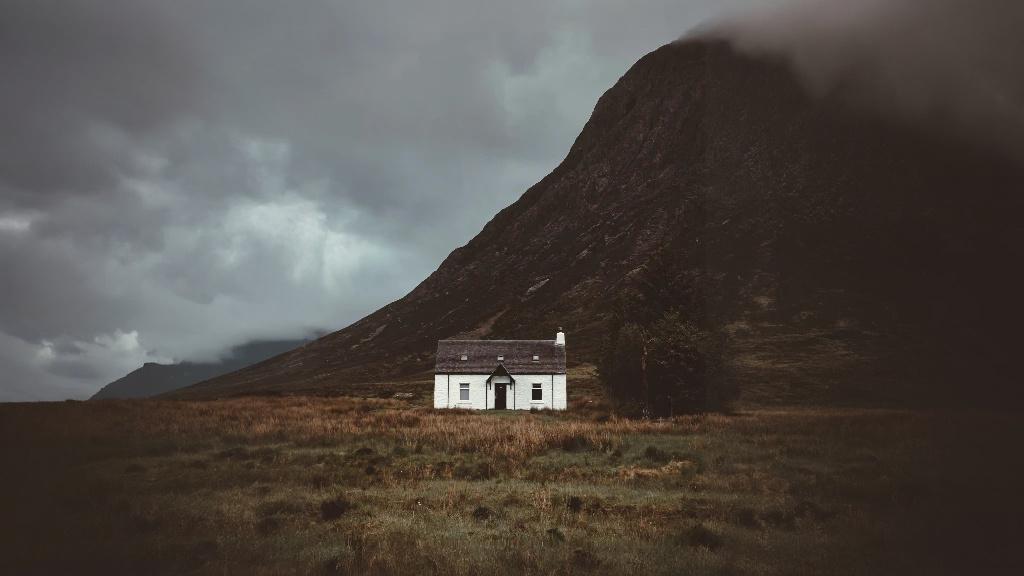
Mountain cottage landscape before AI extender creates a LinkedIn banner frame
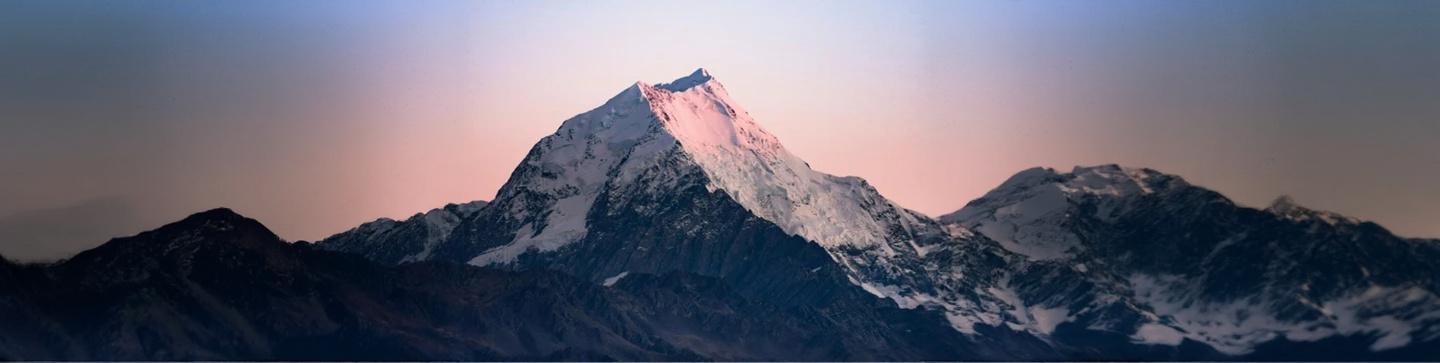
Mountain cottage landscape after AI extender creates a LinkedIn banner frame

LinkedIn banner size

Position the image before generation

Drag the source image inside the target frame before you generate. This gives you control over where the AI should rebuild extra background for a cleaner LinkedIn banner composition. For X/Twitter profile headers, use the Twitter banner size resizer.
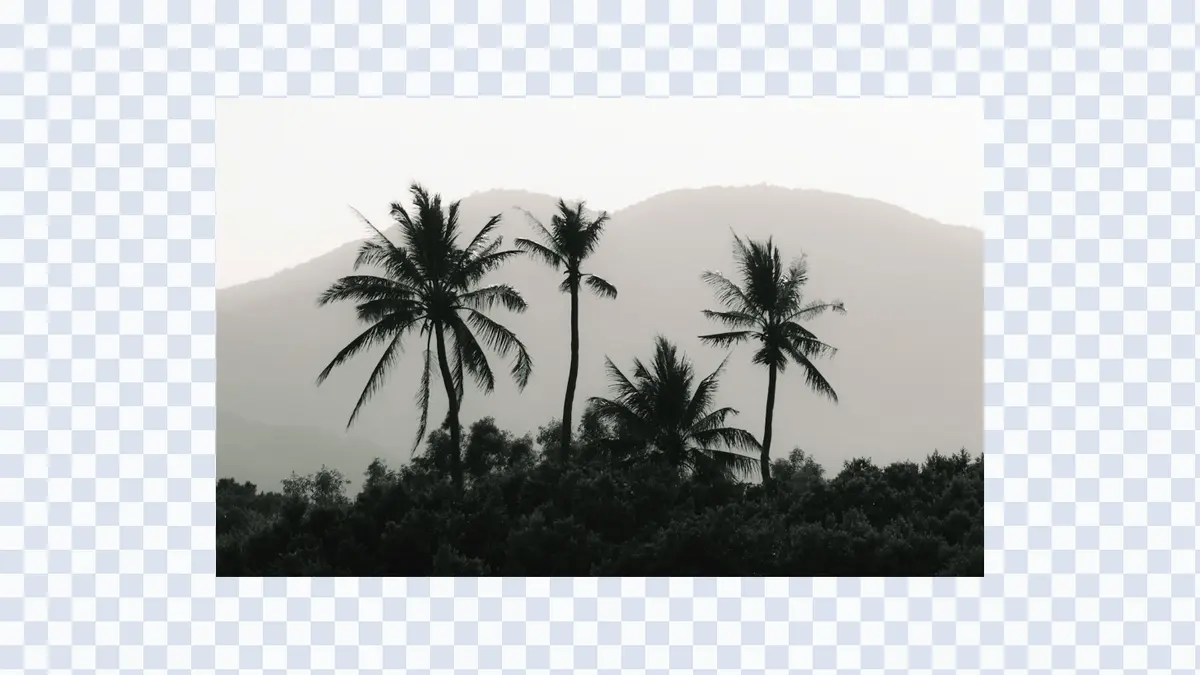
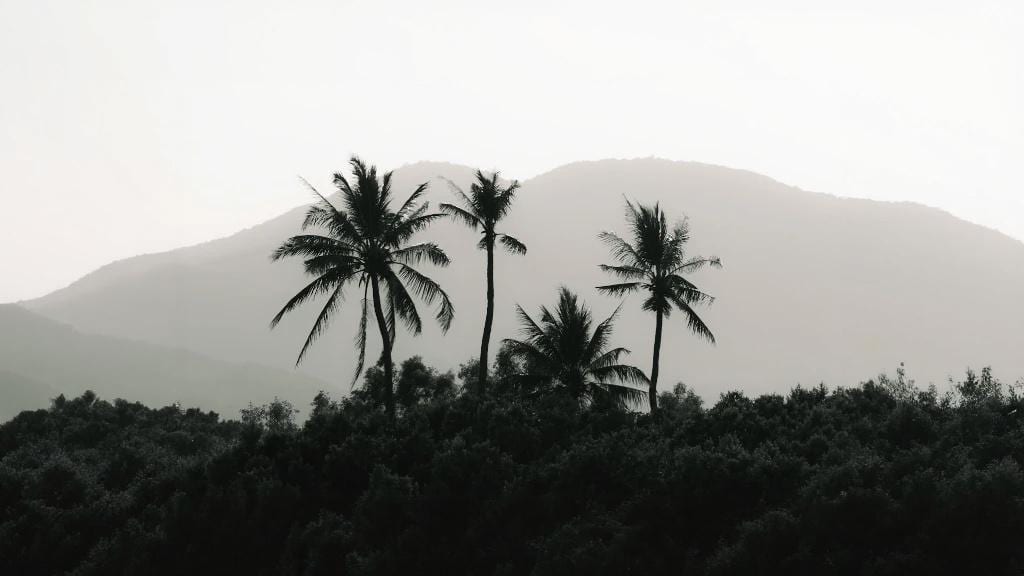
Palm hills image before being resized for a LinkedIn banner
Palm hills image after being resized for a LinkedIn banner

Use cases

When a LinkedIn banner size extender helps

Use this page when you have a strong image but need it to fit LinkedIn's wide banner frame without awkward cropping.

  • Profile background photos

    Add side space around a portrait, workspace, or professional scene so it fits the LinkedIn banner size above your profile.

  • Product and portfolio banners

    Resize product photos, case study visuals, and portfolio images into a LinkedIn banner while keeping the main subject readable.

  • Personal brand covers

    Adapt headshots, speaking photos, and brand imagery into a polished LinkedIn profile background.

  • Repurposed social images

    Turn square, vertical, or tightly cropped social posts into LinkedIn-ready banner images.

  • Team and company pages

    Extend office photos, team visuals, and company artwork into a wide LinkedIn cover image.

  • Space for text and logos

    Create extra background room for headlines, brand marks, taglines, and other LinkedIn banner design elements.

Start resizing

Upload an image and resize it to LinkedIn banner size.

Choose 1584 x 396, 4200 x 700, or 1128 x 191, place your image in the frame, and generate a LinkedIn-ready banner with AI.

LinkedIn Banner Size FAQ

Answers to common questions about LinkedIn banner size, profile background images, company covers, and AI resizing.